Write Lesson Drafts Without Staring at a Blank Page
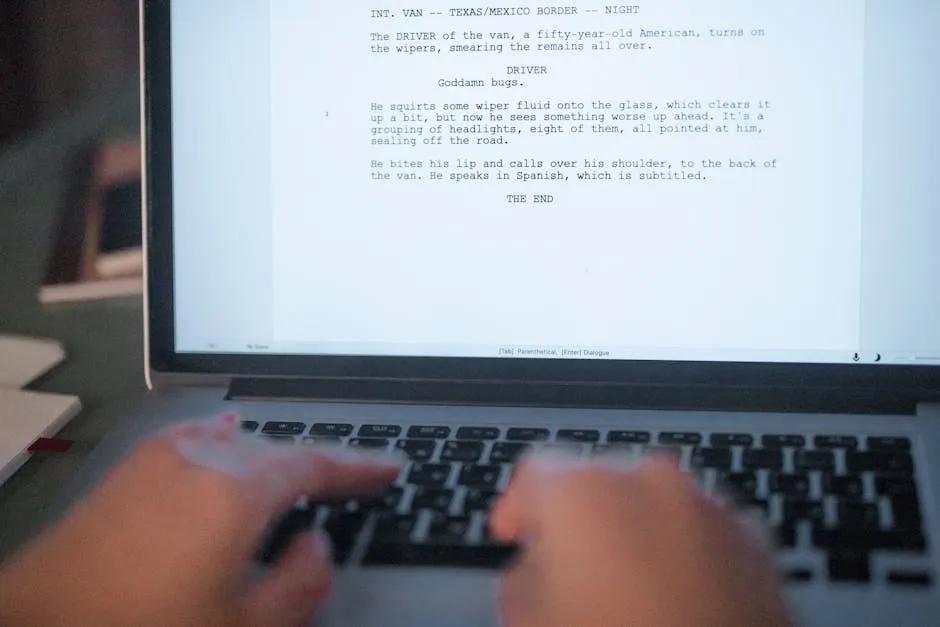
Here’s where the rubber meets the road. You have an outline with 30 lesson titles. Each one needs content. The cursor blinks. You check your email. You reorganize your desk.
Or you use AI to produce a rough draft in 5 minutes and spend 20 minutes editing it into something good.
The Lesson Drafting Workflow
Step 1: Write Your Rough Notes (5 minutes)
Before touching AI, open a text file and brain-dump everything you know about this lesson. Don’t worry about structure, grammar, or flow. Just get your knowledge onto the page.
Include:
- Your key point (what should students take away?)
- Personal stories or examples from your experience
- Common mistakes you’ve seen students make
- Any specific advice or opinions you have
- Technical details, numbers, or facts you want to include
These notes are the raw material. The more specific and personal, the better the final lesson.
Step 2: Generate the Draft (2 minutes)
Prompt:
“I’m writing a lesson titled ‘[lesson title]’ for my course on [course topic]. Here are my rough notes: [paste notes]. Turn these notes into a complete lesson with: an opening that hooks the reader, clear sections with headers, specific examples from my notes, practical action items at the end, and a natural transition to the next lesson. Keep my voice and opinions. Do not add generic advice I didn’t mention. Write at a conversational level, not academic.”
The critical instruction is “do not add generic advice I didn’t mention.” Without it, AI fills in safe, obvious filler. With it, the draft sticks to your material.
Step 3: Edit Until It Sounds Like You (15-30 minutes)
This is where the real writing happens. Read the AI draft and ask yourself:
Does this sound like me? If a sentence feels like something you’d never say, rewrite it in your own words.
Are my stories still here? AI sometimes smooths over personal anecdotes until they’re generic. Restore the specific details that made your story yours.
Is anything factually wrong? Check every claim, statistic, and technical detail. AI makes things up with confidence. Verify everything.
Is there filler I can cut? AI loves transitional phrases and hedging language. Cut “It’s important to note” and “Furthermore.” If a paragraph doesn’t teach something, delete it.
Does the lesson actually deliver on its title? If the title promises “How to Choose Your Recording Format” but the lesson meanders through general recording advice, tighten the focus.
The Voice Preservation Technique
Here’s the most effective way to keep your voice intact:
Feed AI examples of your writing first.
Prompt:
“Here are three paragraphs I wrote for previous lessons in this course. Study my voice, sentence length, vocabulary, and tone: [paste 3 paragraphs]. Now write the next lesson using the same voice and style.”
When AI has examples of your writing, it mimics your patterns more closely. The result still needs editing, but it starts much closer to your voice than a generic prompt.
Common AI Writing Problems to Watch For
Lists of three. AI loves putting things in groups of three. If every section has exactly three examples, it reads as mechanical. Vary the count.
Em dash overuse. AI packs multiple ideas into one sentence using em dashes. Replace most of them with periods.
Hedging. “It’s worth considering” and “You might find that” weaken your authority. Make direct statements. You’re the teacher.
Announcing emphasis. “Here’s the key point” or “What’s really important is” before making a point. Just make the point.
Perfect parallel structure. Every bullet point has the same grammatical structure. Real writers don’t do this consistently.
How Fast Can You Go?
With this workflow, a lesson that used to take 2 to 3 hours takes 30 to 45 minutes. The bottleneck moves from “producing words” to “editing and fact-checking,” which is where it should be.
For a 12-lesson course, that’s 6 to 9 hours of focused writing instead of 24 to 36 hours of agonizing over blank pages.
Keep going — you're making progress through Use AI to Build Your Course Faster.
Need help? Email me ↗