The Registration Page
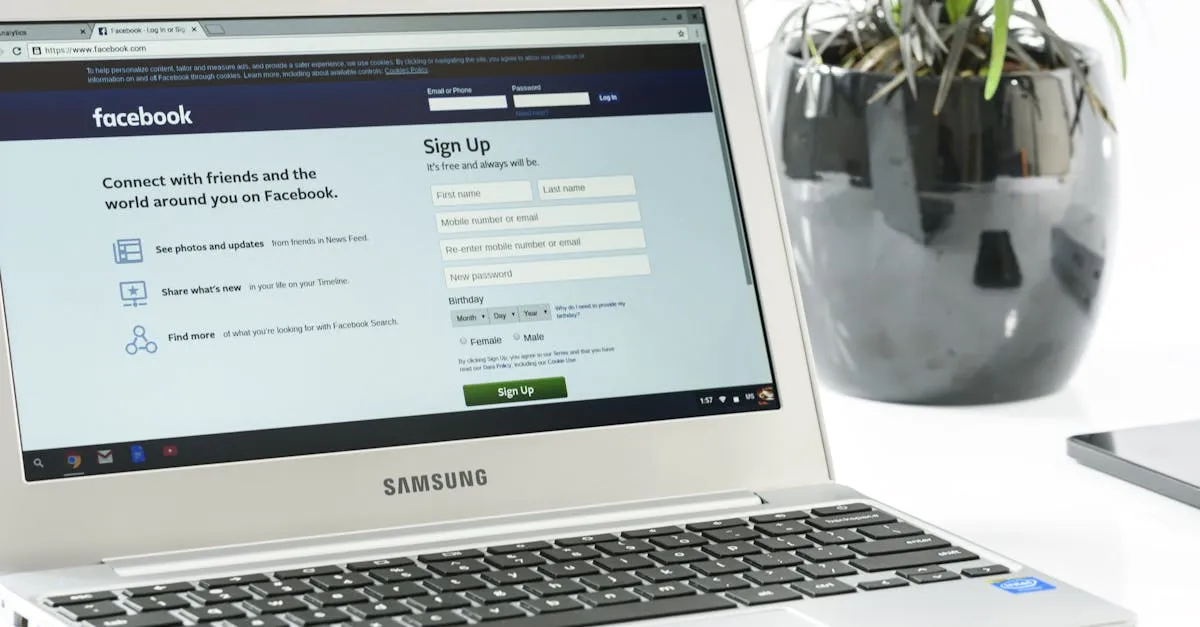
Your registration page has one job: get people to give you their name and email address. That is it. Nothing else matters on this page until that happens.
Most people overcomplicate this. They treat it like a sales page for a $2,000 program. It is not. You are asking for permission to send someone free content for five days. Keep that context in mind.
The Essential Elements
Your headline. Combine your challenge name with the primary benefit. Something like “The 5-Day List Building Challenge: Add Your First 500 Subscribers Without Paid Ads.” The name tells them what it is. The benefit tells them why they should care.
What they will get each day. Keep this to brief bullets. Day 1: Find your ideal subscriber. Day 2: Create your lead magnet. Do not write paragraphs here. People scan registration pages. Give them scannable content.
Who this is for. Be specific. “This is for coaches and consultants who have an email list under 1,000 people.” Then include who it is NOT for. “This is NOT for experienced marketers already running six-figure ad campaigns.” The “not for” section builds trust. It shows you are not desperate for signups.
When it starts. Give the exact date and time. “Begins Monday, January 15th at 9:00 AM Eastern.” Vague language like “coming soon” does not create commitment. Specific dates do.
Social proof. Use what you have. Testimonials from past challenge participants work best. If you do not have those yet, use participant counts (“Join 2,300+ people already registered”) or media logos if you have been featured somewhere. Something is always better than nothing.
The form. Name and email only. That is it. Every additional field you add reduces conversions. I have seen people ask for phone numbers, company names, website URLs, and even budget ranges on a free challenge registration. Those pages can see conversions fall to 10-15% when a lean form might have converted far more. You can gather more information later.
Your call to action button. Use clear, specific language. “Join the Free Challenge” or “Save My Spot” both work well. Avoid generic buttons that say “Submit” or “Register.” Tell them exactly what happens when they click.
Your Conversion Target
Aim for 40-60% of your page visitors to sign up — challenge registration pages often convert far better than a standard opt-in page because you are offering a specific, dated event. That means if 100 people land on your page, 40 to 60 of them should give you their email address.
If you are below 30%, something on your page needs work. The most common culprits are asking for too much information in your form, having a confusing headline, or missing the “what you get each day” section. People will not sign up for something if they do not know what they are signing up for.
Test different headlines. Simplify your form. Add one more testimonial. Small changes often produce significant conversion lifts.
The Countdown Timer
Add a countdown timer to your page showing when the challenge begins. This creates natural urgency without being pushy. You are not saying “only 3 spots left” or “price goes up at midnight.” You are simply showing when the event starts.
A timer that reads “Challenge starts in 3 days, 14 hours, 22 minutes” gives people a reason to sign up now rather than bookmarking your page and forgetting about it.
What NOT to Include
Leave these elements off your registration page:
Long sales copy. You are not selling anything. Save the persuasive writing for later in your funnel.
Video backgrounds that autoplay. They slow down your page load time and distract from your form.
Multiple CTAs. One button. One action. Do not give people options to “learn more” or “watch a video” that take them away from signing up.
Complex forms. We covered this, but it bears repeating. Name and email. Nothing else.
The Thank You Page
After someone registers, do not just show a generic “thanks for signing up” message. Use this page to set expectations and create momentum.
Tell them exactly what happens next. “Check your email for your Day 1 lesson” or “Click here to join our private Facebook group.” Give them a calendar invite link so they can add each day of the challenge to their schedule.
Include social sharing buttons. “Share this challenge on social media” with pre-written text makes it easy for them to spread the word. Add an invite link they can send to friends. Your best participants will want to do the challenge with people they know.
Platform Options
You need a platform that lets you build a simple landing page, collect form submissions, and redirect to a thank you page.
I recommend GoHighLevel because it handles landing pages, email automation, and your entire challenge funnel in one place. (I earn a commission if you sign up through my link — at no extra cost to you.) If you are running a business long-term, having everything consolidated matters.
Leadpages and Instapage are solid alternatives if you just need a standalone landing page builder. Both are easy to use and produce clean, fast-loading pages.
The platform matters less than the elements on your page. A simple page with the right components will outperform a flashy page missing the essentials every time.
Your registration page is where interest becomes commitment. Get these elements right, and you will have a full challenge cohort ready to start on day one.
Keep going — you're making progress through Challenge Funnels (The 5-Day Method).
Need help? Email me ↗