The Repurpose Framework: 1 → Many
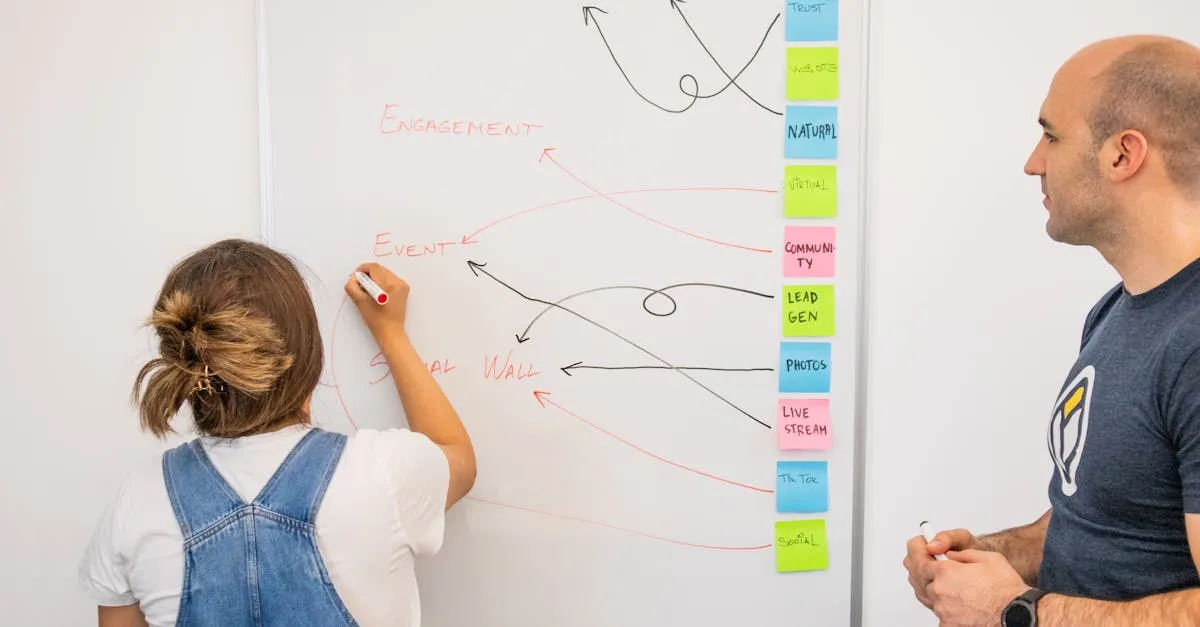
This is the lesson everything else has been building toward. If you internalize only one thing from this entire course, make it this: you should rarely create content from scratch again.
The “Where Else?” Mindset
One creator I follow asks a question that should become your content creation mantra: “Where else can I use this?”
Every time you finish a piece of content, don’t mark it complete and move on. Pause. Ask that question. Then answer it systematically.
The same core insight that becomes a five-minute video lesson can also become a LinkedIn post, an Instagram carousel, a Twitter thread, a Pinterest pin, an email newsletter, and a lead magnet.
You’re not being lazy. You’re being strategic. Your audience isn’t on one platform — they’re scattered across many. And they consume content differently depending on where they are.

The 4-Step Repurpose SOP
Step 1: Extract Key Points
After creating your primary content piece, pull out:
- The main thesis or big idea (1)
- Supporting arguments or principles (3-5)
- Memorable quotes or phrases (3-7)
- Actionable steps or tips (3-5)
- Stories or examples (1-2)
- Counterarguments or misconceptions addressed (1-2)
You’re not rewriting. You’re mining.
Step 2: Map to Formats
Match your extracted elements to content types:
- Big idea → Blog post summary, newsletter lead
- Supporting principles → Carousel slides, thread points
- Memorable quotes → Image graphics, reel hooks
- Actionable steps → Tutorial posts, checklist lead magnet
- Stories → Long-form social posts, video anecdotes
Step 3: Create Platform-Specific Versions
Don’t take your YouTube video and post the exact same thing everywhere. Each platform has its own language. The principle: same message, different expression.
Your key point about “consistency over intensity” might be:
- LinkedIn: A 150-word professional reflection with a personal anecdote
- Instagram: A 3-slide carousel with bold text
- Twitter: A 5-tweet thread with punchy one-liners
- TikTok: A 30-second talking head with text overlay
- Pinterest: A vertical graphic with the quote
Step 4: Schedule and Distribute
Load everything into your scheduling tools. Stagger your posting across two weeks. Let each piece breathe.
Concrete Example: One Module, Seven+ Pieces
Imagine you recorded a module called “Why Most Course Creators Fail at Marketing.”
Your 7+ pieces:
- YouTube video — The full 12-minute lesson
- Blog post — Written version, SEO-optimized
- LinkedIn post — “I reviewed 50 course sales pages last month. Here’s the pattern…”
- Instagram carousel — “Stop Selling Features — Start Selling Transformations”
- Twitter thread — “Why your course isn’t selling (thread) 🧵”
- Pinterest pin — Quote graphic with your best line
- Email newsletter — “The #1 mistake I see from course creators”
- Lead magnet — “The Transformation Finder Worksheet”
Eight pieces. One recording session. Maybe two hours of repurposing.
The Delegation Imperative
One creator I follow has a rule: “Never do it yourself” when it comes to uploading and distributing.
Your time is worth more when you’re creating than when you’re resizing images for Pinterest. Once you have your system and your SOP, hand off the execution.
Your Assignment
Take one piece of content you’ve already created. Run it through the 4-step SOP. Extract your key points. Map them to formats. Create at least three platform-specific versions.
Don’t worry about perfection. Worry about completion.
Welcome to the Content Machine.
Keep going — you're making progress through Content Machine: Create, Repurpose & Distribute.
Need help? Email me ↗