Video Courses: The Default for a Reason
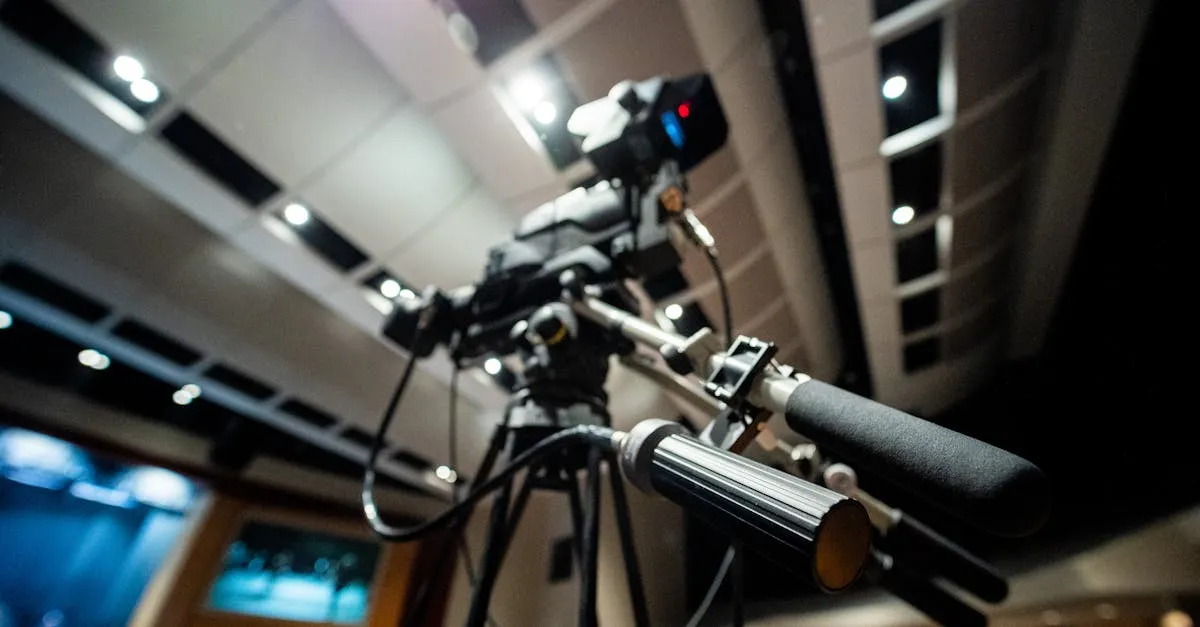
When someone says “online course,” you picture video. Talking head, screen share, maybe slides. That’s the default for a reason. Video creates personal connection, demonstrates complex processes, and feels like a “real” product to most buyers.
But video is also the format with the highest production burden, the longest build time, and the most maintenance headache. Choosing video when another format would serve your students better is a common and expensive mistake.
When Video Is the Right Call
Video earns its place in three situations:
Demos and walkthroughs. If you’re teaching someone to use software, perform a physical technique, or follow a visual process, video is non-negotiable. Text descriptions of visual processes frustrate students.
Complex visual concepts. Diagrams that build step by step. Design feedback where you point at specific elements. Anything where seeing it is fundamentally different from reading about it.
Personal brand courses. If your course sells partly on students trusting you personally, video creates that connection faster than any text-based format. Seeing your face, hearing your voice, watching your thought process. These things build rapport that text can’t replicate.
When Video Is Overkill
Three situations where video adds effort without adding value:
Conceptual content. Frameworks, mental models, strategic thinking. For these, text often works better. Students can skim, re-read key sections, and absorb at their own pace. Video forces them into your rhythm.
Simple step-by-step processes. If the steps are clear enough to follow from a numbered list, recording a video of yourself reading that list adds nothing. Students will wonder why this isn’t just a PDF.
Reference material. Students who need to come back and find one specific thing three months from now will curse you for making them scrub through a 20-minute video. Text is searchable. Video is not.
The Production Reality
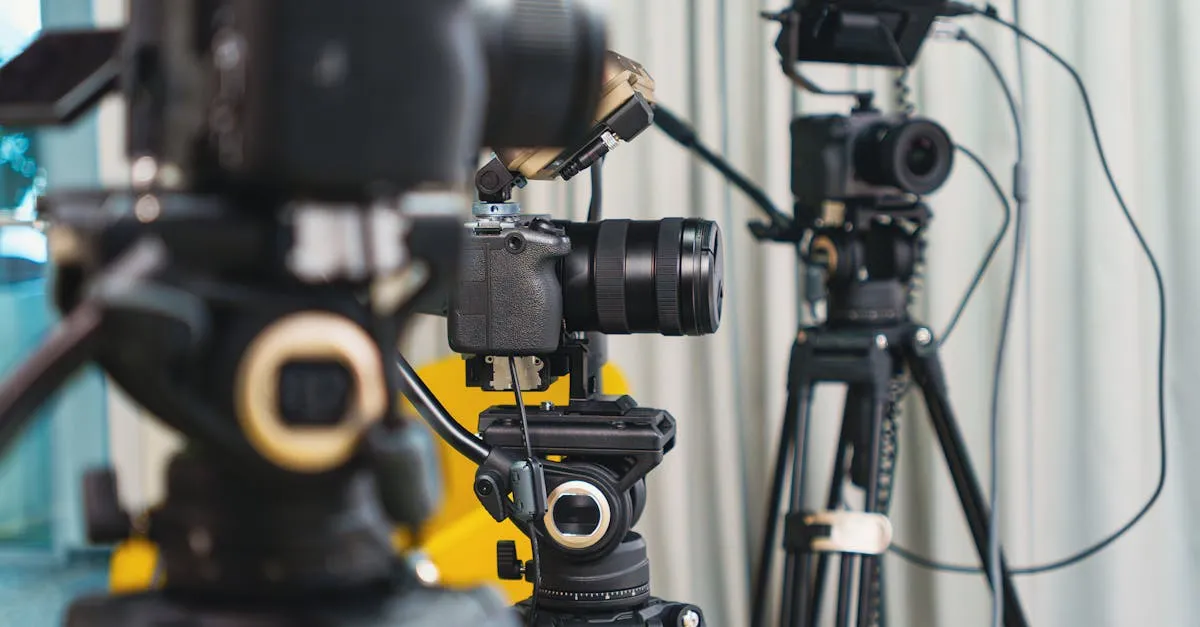
Nobody tells you this when you’re excited about making videos: editing takes three to five times longer than recording.
A one-hour recording session produces maybe 20 minutes of polished content after you cut the false starts, dead air, tangents, and technical glitches.
Equipment adds up. Decent microphone ($50–150). Lighting ($30–100 if you’re on camera). Screen recording software ($0–30/month). Video editor (free to $30/month). Camera (your phone works, but a real camera is $200–500).
Then there’s the maintenance. Every time you need to update one fact or fix one outdated screenshot, you’re re-recording or re-editing video. Text? Find and replace. Ten seconds.
The Audio-Over-Video Rule
Students will tolerate mediocre video with good audio. They will not tolerate good video with bad audio.
Invest in your microphone first. A $100 USB mic produces audio that sounds professional. A $500 camera with built-in laptop audio sounds amateur.
Record in a quiet room with soft surfaces. Hard walls create echo. A closet full of clothes makes a surprisingly good vocal booth.
Who Video Courses Are Best For
- Instructors teaching visual or technical processes
- Creators whose personal brand is part of the product
- Topics where demonstration matters
- Anyone comfortable on camera (or willing to get comfortable)
What You Can Charge
Self-paced video courses range from $47 for a short, focused course to $497+ for a comprehensive program. The price reflects the depth and specificity of the outcome, not the production quality.
Video alone doesn’t justify premium pricing. The transformation does.
Keep going — you're making progress through Choose Your Course Format.
Need help? Email me ↗