PDF and Text-Based Courses

Before video took over everything, courses were text. Workbooks. Manuals. Bound reference guides. Students learned just fine. Sometimes better than they do from video.
Text-based courses aren’t a compromise. They’re a deliberate choice that works brilliantly for the right content and audience.
The Formats That Work
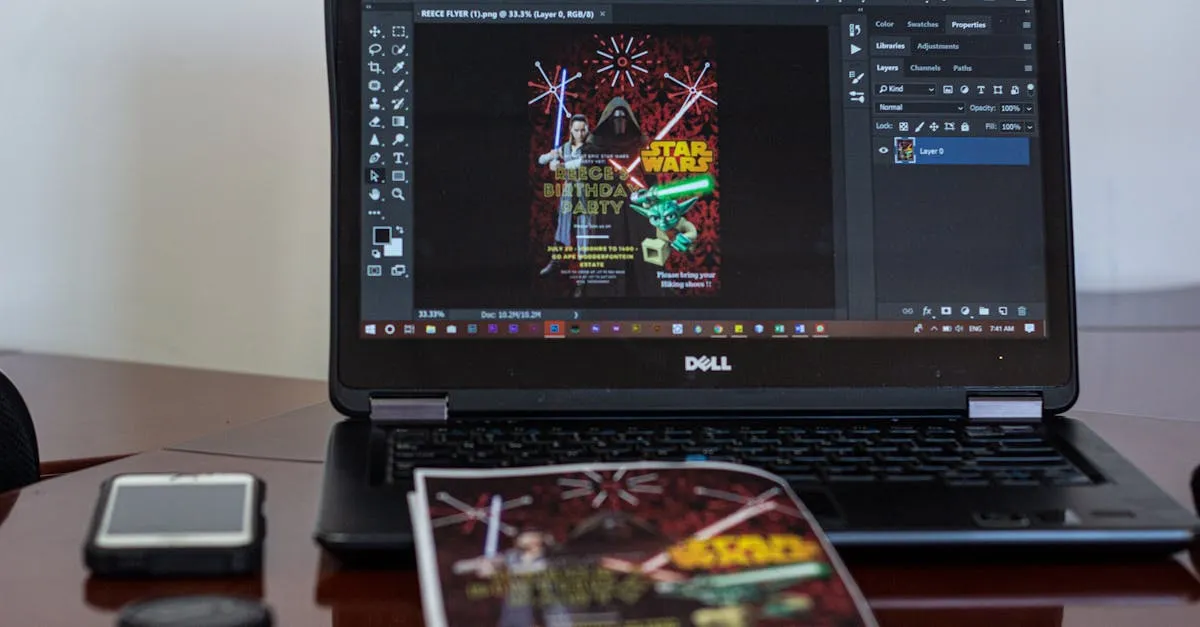
PDF guides. One document, organized by chapter or lesson. Read start to finish or jump to what’s needed. The simplest format to produce and the easiest to update.
Workbooks. Text plus exercises. Fill-in-the-blank sections, prompts to answer, activities to complete. The interactive element creates engagement that passive reading doesn’t.
Cheat sheets and reference cards. Often the most valuable part of any course. Quick-access summaries students return to repeatedly. Many creators sell these as standalone products.
Text with embedded media. A PDF that links to videos for specific sections. A hybrid approach that doesn’t require full video production. The text does the heavy lifting. Video handles the parts that genuinely need visual demonstration.
Why Text Beats Video for Reference
Video’s fatal flaw: it’s terrible for reference.
When a student needs to remember one specific thing three months after taking a course, they’re not rewatching a 40-minute video. They’re scrubbing through a timeline trying to find the one section they need. It’s frustrating and they usually give up.
Well-organized text is searchable. Ctrl+F finds what they need in seconds. This makes your course perpetually useful. Students come back to it again and again, which increases perceived value and reduces refund requests.
The Tools Are Already on Your Computer
Google Docs exports to PDF with one click. Canva provides professional templates for workbooks and guides. Notion creates interactive pages for tech-comfortable audiences. Even Microsoft Word produces clean PDFs with basic formatting.
The production cost is your time. No equipment to buy. No editing software to learn.
The Perceived Value Problem
Some creators think text-based courses can’t command real prices. That’s creator insecurity, not market reality.
Students pay for transformation, not production value. A well-written guide that gets someone a result is worth more than a beautifully produced video course that doesn’t.
Design matters, though. A wall of text in 10pt Arial feels cheap. The same content with clear hierarchy, good typography, intentional white space, and professional formatting feels premium.
Spend a few hours on document design. Headers, bullet points, callout boxes, page breaks. Small effort, big perception shift.
When Text Is the Right Choice
- Conceptual and strategic content (frameworks, mental models, planning)
- Step-by-step processes without visual components
- Reference-heavy material students will return to
- Audiences who prefer reading (professionals, academics, detail-oriented learners)
- Creators who want to ship fast without equipment investment
When Text Falls Short
- Anything requiring visual demonstration (software walkthroughs, physical techniques)
- Audiences with low reading tolerance or language barriers
- Topics where the instructor’s personality and delivery are part of the value
What You Can Charge
$27–297 depending on the depth, specificity, and perceived value. Workbooks and reference guides at the lower end. Comprehensive programs with multiple documents at the higher end.
Text works particularly well as part of a hybrid offer — a video course that includes PDF worksheets, templates, and reference guides. The text components increase perceived value significantly.
Keep going — you're making progress through Choose Your Course Format.
Need help? Email me ↗