Audio Courses: Teach Without a Camera
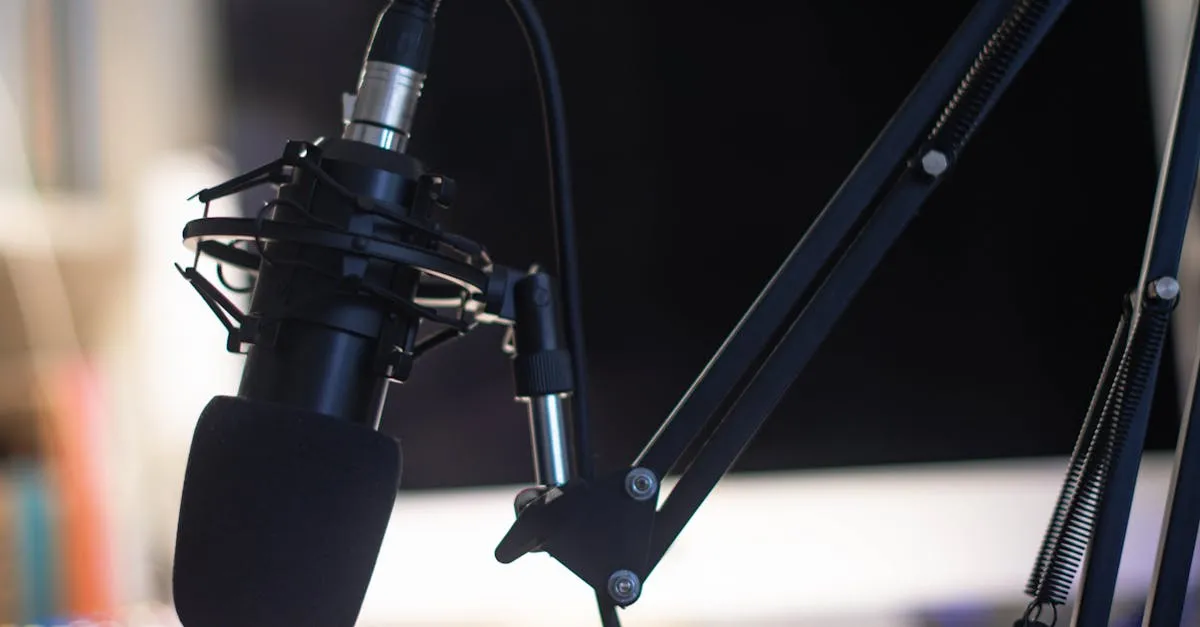
Not everyone wants to be on camera. That’s not a weakness. It’s a preference.
Audio courses let you teach with your voice without the production complexity of video. No lighting to set up. No camera angle to worry about. No fretting over how you look on screen.
The result is content that fits into students’ lives in a way that video and text can’t.
The Listening Advantage
Millions of people already learn through podcasts. They listen during commutes (30–60 minutes of daily drive time, hungry for content). During workouts. While cooking. While folding laundry.
Audio courses tap into this existing behavior. Students don’t need to carve out dedicated learning time at a desk. They learn during time that’s already allocated to something else.
This is a real advantage for audiences who are time-poor: working parents, busy professionals, anyone who can’t easily block out focused screen time.
Who Actually Wants Audio
Commuters — they have captive time and are actively looking for content to fill it.
Auditory learners — people who retain spoken information better than written. They’re a real segment of your audience.
Screen-fatigued professionals — after eight hours of screens for work, the idea of watching more video for a course feels exhausting. Audio gives their eyes a break.
Multitaskers — people who learn while doing other things. Not everyone learns best sitting still at a desk.
The Production Setup
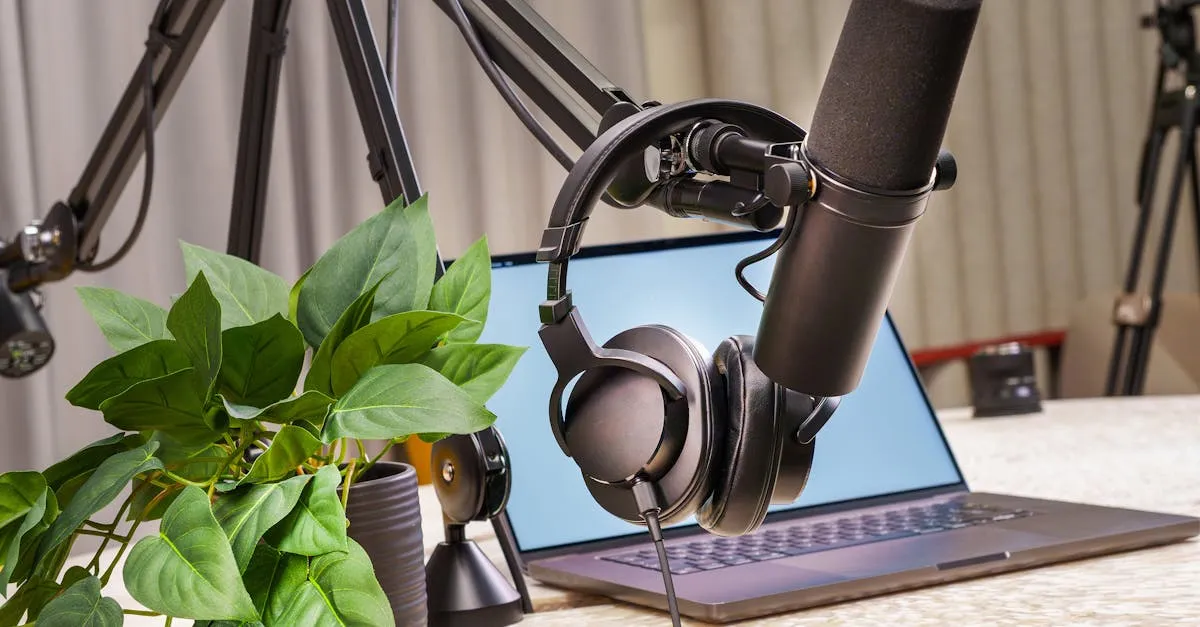
Audio is dramatically simpler than video:
- Microphone. A decent USB mic runs $50–150. The Samson Q2USamson Q2U, Audio-Technica ATR2100xAudio-Technica ATR2100x-USB, and Blue YetiBlue Yeti USB Microphone are all solid choices.
- Recording space. A quiet room with soft surfaces. Closets full of clothes work well for dampening echo.
- Software. Audacity is free. Descript is paid but makes editing easy.
- Hosting. Buzzsprout, Simplecast, or your course platform if it supports audio files.
Compare this to video: no lighting, no camera, no framing, no worrying about how you look. The gap in production complexity is enormous.
Structuring an Audio Course
Audio lessons work best at 10–20 minutes each. Dense with value, light on filler. Audio attention spans differ from video — students can’t visually skim, so every minute needs to earn its place.
Each episode should have:
- A clear intro. Remind them what they learned last time and what this lesson covers.
- Verbal emphasis. Slow down, pause, or say “write this down” for key points. You can’t bold text or use callout boxes, so your voice has to do the signaling.
- A recap. End each episode with a summary of the takeaways.
- Supplementary material. A PDF summary or cheat sheet for reference. Students can’t go back and “re-read” an audio lesson easily.
The Limitations
Audio can’t show anything. If your content requires visual demonstration — software tutorials, physical techniques, design feedback — audio alone won’t work.
Audio is also harder to scan. Finding a specific point in a 15-minute audio file is slower than searching a text document. Providing timestamps or chapter markers helps, but it’s still not as fast as Ctrl+F.
What You Can Charge
$27–297 depending on depth and specificity. Audio courses command similar prices to text courses. For premium pricing, audio works best as part of a hybrid (audio plus PDF workbook plus community access).
Who Audio Courses Are Best For
- Creators who don’t want to be on camera
- Topics that are conversational, conceptual, or story-driven
- Audiences with lots of commuting or multitasking time
- Content that benefits from the instructor’s voice and personality
Keep going — you're making progress through Choose Your Course Format.
Need help? Email me ↗