Opt-In Pages That Convert
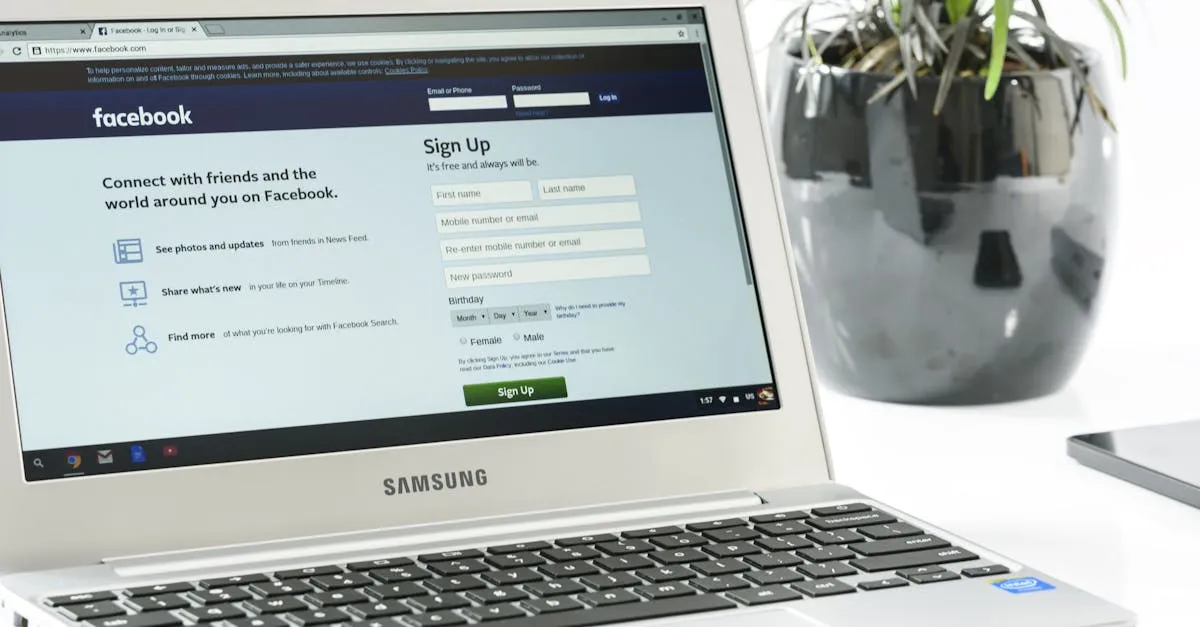
An opt-in page (also called a landing page or squeeze page) has one job: convince someone to give you their email address. Not educate them. Not tell your life story. Not showcase your course catalog. Get the email.
Most opt-in pages fail because they try to do too much. Here’s the structure that works.
The 5 Elements of a Converting Opt-In Page
1. The Headline
State the specific result they’ll get. Not what the lead magnet is — what it does for them.
Bad: “Free Course Creation Ebook” Good: “The 12-Point Checklist That Gets Your Course Launched in 30 Days”
The headline should pass the “so what?” test. Read it aloud. If your reaction is “so what?” rewrite it.
2. Benefit Bullets (3-5)
A short list of what they’ll discover or be able to do. Start each bullet with a verb:
- Discover the 3 mistakes that kill most courses before they launch
- Get the exact launch timeline a former college dean uses with his students
- Know exactly what to charge — and feel confident saying the number
- Skip the 6 months of trial-and-error most new creators suffer through
3. A Visual of the Lead Magnet
Show them what they’re getting. A mockup of the checklist, a screenshot of the template, a cover image of the resource guide. People want to see the thing before they give you their email.
You can create a simple mockup in Canva in 10 minutes. It doesn’t need to be fancy. It needs to exist.
4. The Opt-In Form
Name (optional) and email. That’s it. Every extra field reduces conversions. If you need their name, ask for first name only. If you don’t need it, don’t ask — email-only forms convert higher.
The button should describe the action: “Send Me the Checklist” beats “Submit.” “Get the Free Template” beats “Sign Up.”
5. Social Proof (If You Have It)
A testimonial, a subscriber count, or a trust indicator. “Join 2,000+ course creators who’ve used this checklist.” If you’re just starting and don’t have numbers, skip this element. Don’t fabricate anything.
What to Cut
Navigation menu. Remove it. Every link on the page is an escape hatch. Your opt-in page should have exactly two options: subscribe or close the tab.
Footer links. Same reason. Strip it down.
Long copy. Your opt-in page is not a sales page. If you can’t explain the value in 50 words or fewer, your lead magnet isn’t specific enough. Go back to the previous lesson and sharpen it.
Multiple offers. One lead magnet. One call to action. Don’t offer a checklist AND a mini-course AND a resource guide. Pick one. Confused visitors don’t opt in.
The Thank-You Page
After someone subscribes, redirect them to a thank-you page. This page has two jobs:
- Confirm the delivery (“Check your inbox — your checklist is on its way!”)
- Set expectations (“I’ll email you about once a week with tips on [your topic]. Reply anytime — I read every email.”)
Optionally, this is a good place for a soft offer. “While you wait, here’s a 5-minute video that walks through the checklist.” Or “Want to skip ahead? My full course on [topic] is available here.” No pressure. Just an invitation.
Desktop vs. Mobile
Over 50% of your visitors will be on mobile. Your opt-in page must work on a phone:
- Large text (16px minimum body copy)
- Big buttons (easy to tap)
- Short paragraphs (2-3 lines max on mobile)
- The form above the fold (no scrolling required)
Test your page on your own phone before driving traffic to it.
The Quick Audit
Load your opt-in page and ask:
- Can I tell what I’m getting in under 3 seconds?
- Is there only one thing to do on this page?
- Would I give my email address for this?
If you can’t answer yes to all three, revise before sending traffic.
Once your page is live, you need an email tool to collect those addresses and deliver your lead magnet. That’s next.
Keep going — you're making progress through Email Marketing for Course Creators.
Need help? Email me ↗