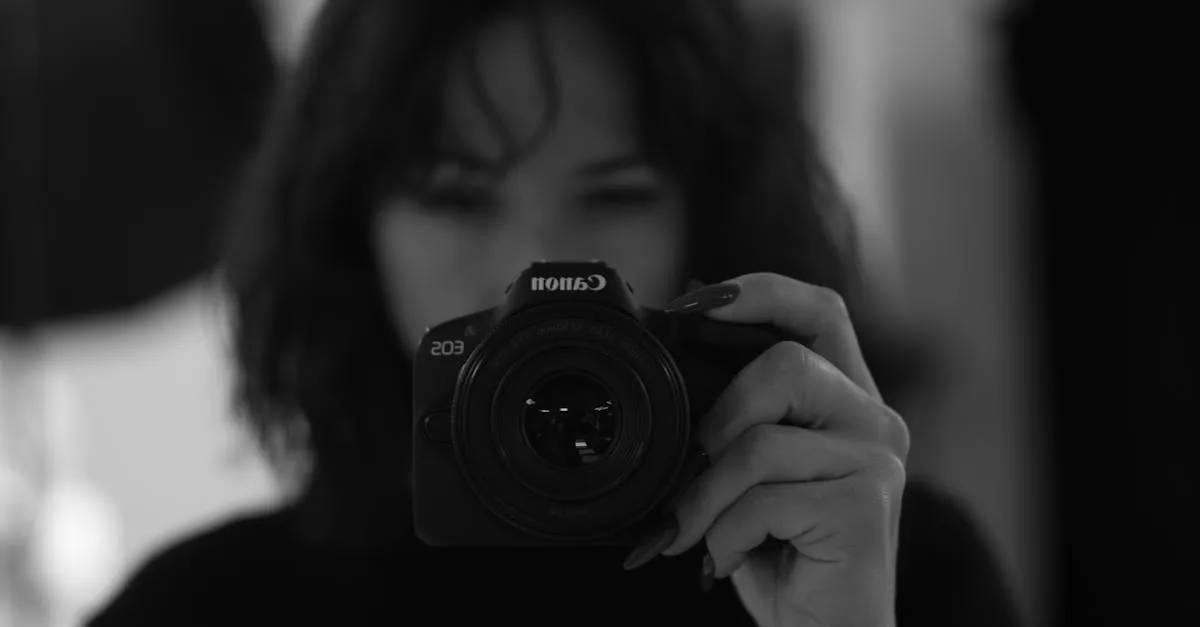
Canon EOS R50 Review (2026): Beginner-Friendly Mirrorless for Course Creators
If you’re looking for your first “real” camera for recording course content, the Canon EOS R50 is probably on your shortlist — and for good reason. Canon built this thing specifically for people who are moving up from a smartphone and don’t want to spend weeks learning photography fundamentals just to get a decent-looking video.
I’ve been shooting with the R50 in my own course production workflow, and after recording talking-head lessons, overhead demo shots, and run-and-gun B-roll, here’s my honest take on where it excels and where it falls short.
What You Get
The Canon EOS R50 runs about $600 body-only or $700–800 with the RF-S 18-45mm f/4.5-6.3 kit lens. For a mirrorless camera with this level of autofocus performance, that’s an aggressive price point.
Here’s what’s inside:
- 24.2MP APS-C CMOS sensor — crop-sensor, but plenty of resolution for video and stills
- DIGIC X processor — the same image processor found in Canon’s higher-end bodies
- 4K uncropped video — oversampled from 6K for sharp, clean footage
- Dual Pixel CMOS AF II — Canon’s latest autofocus with subject detection and tracking
- Vari-angle flip-out touchscreen — 3.0-inch, fully articulating, touch-sensitive
- Electronic viewfinder (EVF) — 2.36 million dots, useful in bright light
- RF-S lens mount — Canon’s mirrorless mount for APS-C and full-frame RF lenses
- Built-in flash — small but functional for fill light in a pinch
- Smartphone connectivity — Canon Camera Connect app for remote control and wireless transfer
- Movie for Close-up Demo mode — automatically switches focus to objects held near the lens
- Lightweight body — roughly 13.5 ounces without a lens, one of the lightest in its class
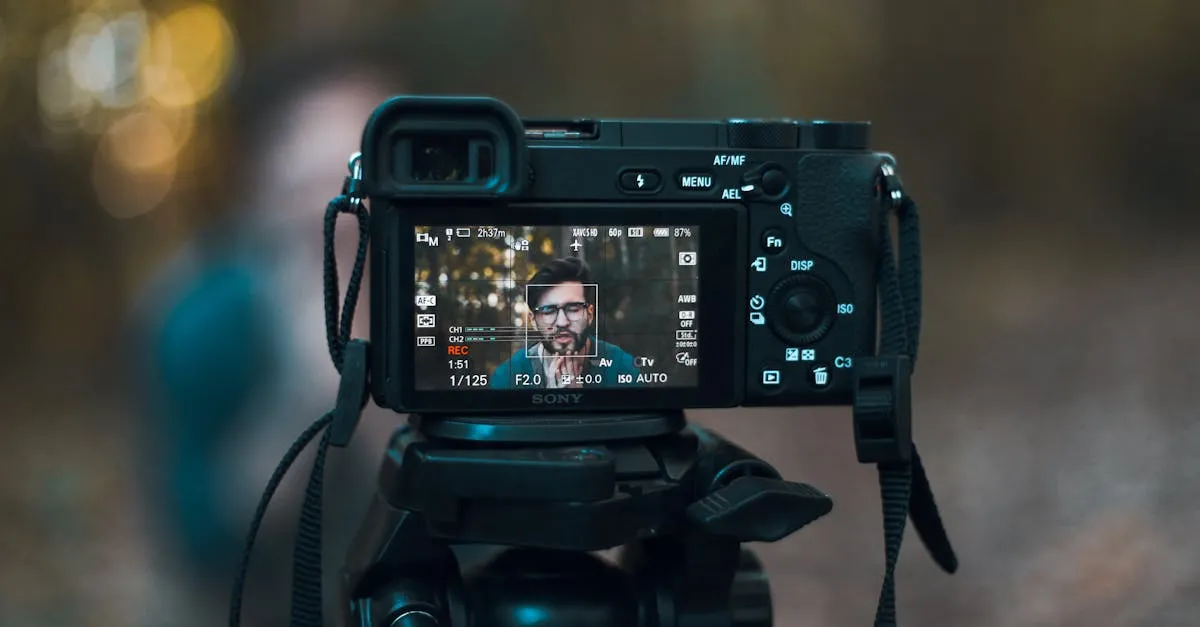
The Big Advantage: Dual Pixel CMOS AF II
Here’s the thing that separates the Canon EOS R50 from everything else at this price: the autofocus is absurdly good.
Dual Pixel CMOS AF II uses phase-detection pixels across essentially the entire sensor surface. In plain English, the camera doesn’t hunt. It locks onto your face, tracks it as you move, and stays glued even if you turn your head or lean forward to make a point. I’ve tested this in my typical recording setup — a single key light, no backlight, nothing fancy — and the R50 never lost my face across a 30-minute continuous recording.
For course creators, this matters more than almost any other spec. When you’re recording a lesson, you’re thinking about your content, not whether the camera is still focused on you. The R50 handles focus so well that you genuinely don’t have to think about it. Compare that to some cameras in this range that pulse or breathe during video — the R50’s AF is smooth, decisive, and invisible in the final footage.
The subject tracking extends beyond faces too. It detects eyes, animals, and vehicles. For our purposes as course creators, the face and eye detection is what counts, and Canon’s implementation is arguably the best in this price tier — including against the Sony ZV-E10, which has good autofocus but not this good.
Movie for Close-up Demo Mode
Canon added a feature specifically for the kind of content creators and educators produce. Movie for Close-up Demo mode detects when you hold an object close to the camera and shifts focus to it automatically. When you pull the object away, focus snaps back to your face.
If you teach anything hands-on — cooking, crafting, tools, product demos, notary stamping — this is genuinely useful. It’s similar to Sony’s Product Showcase Setting on the ZV-E10, and it works just as well. I tested it by holding up documents and small objects during a simulated lesson recording, and the focus transitions were fast and clean. No hunting, no awkward pause while the camera figures out what to do.
This is a feature you didn’t know you needed until you try it. Once you’ve used it, going back to manually racking focus feels primitive.
4K Video Quality
The Canon EOS R50 records 4K at up to 30fps, and the footage is oversampled from a 6K readout. Oversampling means the camera captures more data than it needs and downscales it to 4K, which results in cleaner detail and less noise than native 4K capture.
In practice, the video looks sharp and punchy right out of camera. Canon’s color science has always been friendly to skin tones — faces look natural and warm without any grading. If you’re uploading directly to a course platform without color-correcting every clip, this is a real advantage. The footage looks good enough to use as-is.
1080p is available at up to 120fps if you need slow motion, which is handy for B-roll shots of processes or demonstrations.
One caveat: there’s no in-body image stabilization (IBIS). If you’re shooting handheld while walking around, you’ll want a lens with optical stabilization or a gimbal. For tripod-mounted talking-head shots, this doesn’t matter at all — and that’s how most course creators will use this camera anyway.
The Touchscreen and Handling
The vari-angle touchscreen is one of the R50’s best features for solo creators. It flips out to the side and rotates fully, so you can see yourself while recording — essential when nobody else is behind the camera to frame your shot.
The touch interface is intuitive, especially if you’re coming from a smartphone. Tap to focus, swipe through menus, pinch to zoom on playback. Canon’s menu system is logically organized, and the guided interface mode explains settings in plain language — a thoughtful touch for beginners who don’t know what ISO or aperture means yet.
The body is light — really light. At around 13.5 ounces without a lens, you can hold it one-handed without fatigue. That said, the grip is small, and if you have larger hands, it might feel a bit cramped. It’s a trade-off for the compact size. For tripod-mounted course recording, the grip size doesn’t matter much.
The electronic viewfinder is a bonus that the Sony ZV-E10 doesn’t offer. In bright outdoor light where the LCD washes out, the EVF is genuinely useful. For indoor course recording, you’ll probably use the screen 95% of the time, but it’s nice to have the option.
Smartphone Integration
The Canon Camera Connect app lets you control the Canon EOS R50 from your phone — start and stop recording, adjust settings, and transfer photos and videos wirelessly.
For course creators working alone, this is more useful than it sounds. You can set the camera on a tripod, sit down, check your framing on your phone, hit record, and review the take without getting up. It streamlines the solo production workflow in a way that removes friction.
Wireless transfer is handy for grabbing a thumbnail still or a short clip to post as a teaser without pulling the SD card. It’s not fast enough for transferring large video files regularly, but for quick social media content, it works.
What I Don’t Love
I want to be direct about the trade-offs, because they’re real.
RF-S lens selection is limited. This is the biggest drawback. Canon’s RF-S mount has only a handful of native lenses — the 18-45mm kit lens, an 18-150mm, a 55-210mm, and a couple others. Compare that to Sony’s E-mount, which has dozens of native and third-party options at every price point. If you think you’ll want to experiment with different lenses down the road, Sony’s ecosystem gives you far more room to grow. I cover this comparison in more detail in my Best Cameras for Online Courses guide.
No in-body stabilization. The R50 lacks IBIS, so handheld footage will show shake unless you use a stabilized lens or a gimbal. For course creators on tripods, this isn’t a dealbreaker, but it limits the camera’s versatility for vlog-style or walkthrough content.
No headphone jack. There’s no way to monitor audio in real time with wired headphones. The camera has a microphone input (3.5mm), but you can’t listen back while recording. For course creators, this means you’ll want to do a quick test recording and listen on playback before committing to a full lesson — or use an external audio recorder like a Zoom H1n and sync in post.
Battery life is modest. Canon rates the LP-E17 battery for roughly 310 shots or around 75 minutes of continuous video recording. For a long recording session, you’ll want at least one spare battery. If you’re recording a full course module in one sitting, budget for two extras.
No weather sealing. The body isn’t sealed against dust or moisture. Keep it inside. For course creators working in a home studio, this probably doesn’t matter, but it’s worth noting if you plan to shoot outdoors.
4K has some limitations. While the 4K is uncropped and oversampled (which is great), you lose some of the advanced AF features in certain 4K modes, and there’s no 4K at 60fps. The camera also crops slightly in some high-speed modes. For most course content at 4K/24 or 4K/30, these limitations won’t affect you.
Who This Camera Is For
The Canon EOS R50 is the right choice if:
- You’re upgrading from a phone or webcam. The jump in quality is massive, and Canon’s guided interface helps you learn the basics without being overwhelmed.
- You want autofocus you can trust. Dual Pixel AF II is best-in-class at this price. Set it and forget it.
- You shoot talking-head and demo content. The vari-angle screen, Movie for Close-up Demo mode, and face tracking are tailored for this exact workflow.
- You value simplicity over expandability. If you want a camera that works beautifully out of the box and you’re not planning to build a massive lens collection, the R50 is designed for you.
- Budget is a factor but you want mirrorless quality. At $700 with a kit lens, it’s one of the most affordable entries into quality mirrorless video.
It’s not the right choice if you already know you’ll want a deep lens catalog, need in-body stabilization, or plan to shoot in challenging conditions. For those use cases, the Sony E-mount ecosystem or a camera with IBIS would serve you better. Check my Equipment recommendations for alternatives.
Canon R50 vs. Sony ZV-E10
This is the comparison everyone makes, so let me be direct about it.
The Canon EOS R50 has better autofocus, a more beginner-friendly interface, an electronic viewfinder, and a flip-out screen (the ZV-E10’s screen only tilts). It also has the Movie for Close-up Demo mode.
The Sony ZV-E10 has a vastly larger lens ecosystem, better battery life, and a more established track record with content creators. Sony’s E-mount has been around longer, and third-party manufacturers like Sigma and Tamron make excellent affordable lenses for it.
For most course creators who just want a reliable camera with a kit lens, the R50 is the easier camera to pick up and start using. For creators who plan to invest in lenses and grow their setup over time, Sony’s ecosystem gives you more runway. Both are solid picks — the right answer depends on where you see your setup going.
How I’d Set It Up for Course Recording
Here’s a practical workflow for getting the most out of the R50:
- Mount it on a tripod at eye level. The R50 is light enough that even a budget tripod holds it steady.
- Use the kit lens at 24mm (full-frame equivalent) — wide enough for talking-head framing with some context, not so wide that you look distorted.
- Enable face/eye tracking AF and leave it alone. It works.
- Record audio externally. Use a shotgun mic on camera or, better yet, a dedicated USB mic like the Shure MV7+ run to your computer, and sync in post. Skip the camera’s built-in mic for anything you’re publishing.
- Use Movie for Close-up Demo mode when you need to show objects or documents. It’s one tap to enable and saves you from awkward manual focus fumbles.
- Shoot in 4K/24fps for a cinematic look or 4K/30fps for a clean, standard video feel. Both look great oversampled from 6K.
Final Verdict
The Canon EOS R50 is the most beginner-friendly mirrorless camera I’ve used. Canon clearly designed it for people who want great results without a steep learning curve, and they succeeded. The autofocus alone makes it worth considering — it’s that good.
The limited lens selection and lack of IBIS are real trade-offs, and I’m not going to pretend they don’t matter. But for course creators who need a reliable camera for talking-head and demo content, mounted on a tripod, with autofocus that just works, the R50 delivers exactly what you need at a price that doesn’t hurt.
If you’re starting from zero and want the easiest path to professional-looking course video, this is it.
For everything beyond the camera — lighting, audio, recording workflow, and editing — check out my free Produce Course Videos course.
Rating: 8.5/10 — Excellent autofocus, great color science, and beginner-friendly design. Docked points for the limited RF-S lens ecosystem and lack of in-body stabilization.
Frequently Asked Questions
Is the Canon R50 good for live streaming?
The R50 can work for live streaming, but it lacks some streaming-friendly features like unlimited recording time and a clean HDMI output without on-screen displays. For dedicated live streaming, you might want to consider cameras specifically designed for that use case.
Does the R50 record in slow motion?
Yes, the R50 can record 1080p at up to 120fps, which allows for smooth 4x slow motion in post-production. This is useful for B-roll shots of processes or demonstrations where you want to highlight specific movements.
Can I use older Canon EF lenses on the R50?
Yes, but you’ll need the EF-EOS R mount adapter, which adds cost and slight bulk. The autofocus performance with adapted EF lenses is generally good, though native RF-S lenses will be slightly faster and more smooth.
Is the kit lens good enough or should I upgrade immediately?
The 18-45mm kit lens is perfectly adequate for talking-head course content at its wider focal lengths. You don’t need to upgrade immediately—save that money for lighting or audio equipment, which will make a bigger difference in your production quality.
Does the R50 overheat during long recordings?
The R50 handles typical course recording sessions well, but like most mirrorless cameras in this price range, it may overheat during extended 4K recording in warm environments. For most 15-30 minute lesson recordings, overheating shouldn’t be an issue.
You Might Also Like
Best Cameras for Online Courses (2026): From Webcam to Mirrorless
Your students will tolerate bad video. They won't tolerate bad audio. But good video sets you apart. Here's every camera option for course creators — from $80 webcams to $600 mirrorless.
Best Microphones for Online Courses (2026): USB, XLR, and Wireless
Bad audio kills more courses than bad video. I tested every microphone a course creator might need — from $50 budget picks to professional studio setups.
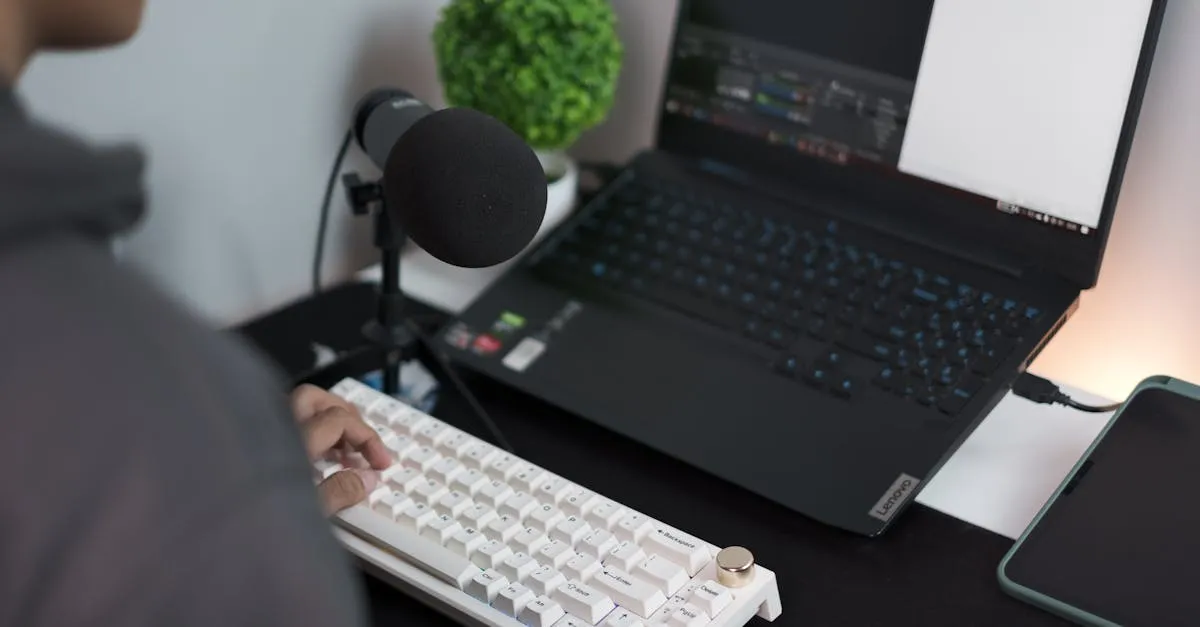
Best USB Microphones Under $100 for Course Creators (2026)
You don't need to spend $300 on a microphone to sound professional. Here are the best USB mics under $100 that will make your course audio clean and clear.