Modules, Lessons, Units, and Sections
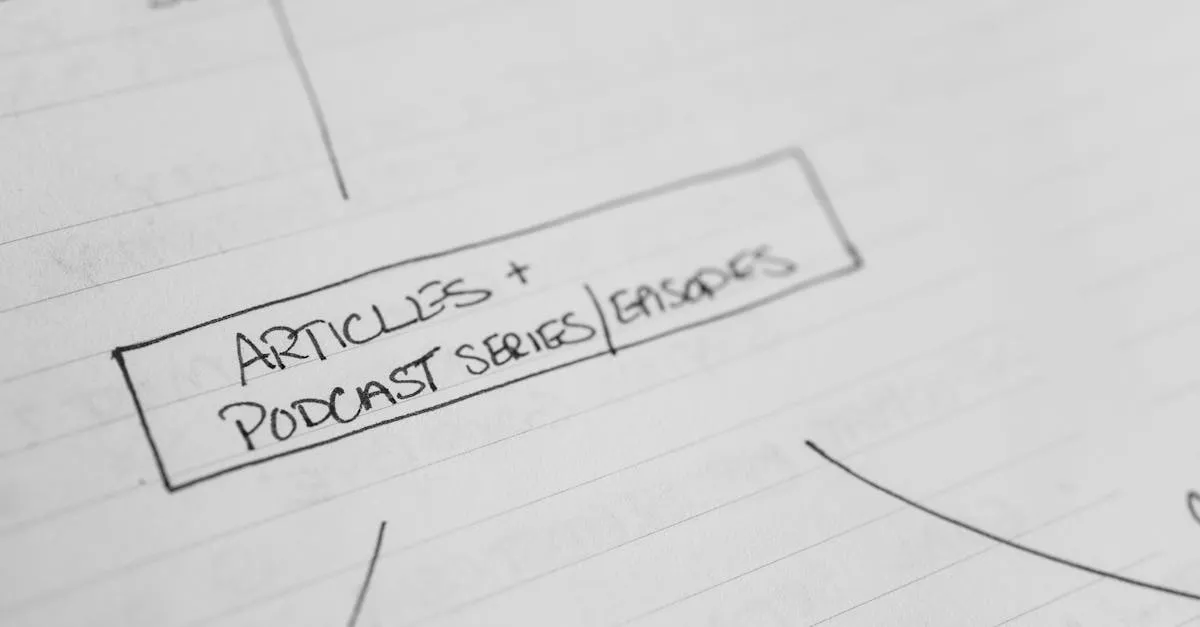
Module
A major section of your course, usually containing multiple lessons on a related topic. If your course were a book, a module would be a chapter.
Example: Module 1: “Foundations” contains 4 lessons about planning your course.
Also called: Chapter, unit, section, phase (depending on the platform). Same concept, different name.
Lesson
A single piece of content within a module. Usually one video or one text page teaching one concept.
Example: Lesson 1.2: “Find Your Course Topic” — a 7-minute video inside Module 1.
Also called: Lecture, topic, page, step.
Unit
Used by some platforms (especially Moodle and Canvas) to mean the same thing as a module — a group of related lessons. Other platforms use “unit” to mean a single lesson. There’s no universal standard.
Practical advice: Don’t worry about the exact terminology. Just know that your course has large groupings (modules/chapters/units) containing individual pieces (lessons/lectures/topics).
Section
Can mean a module (a group of lessons) or a subdivision within a lesson (a section of a video or document). Context determines which.
Curriculum
The complete structure of your course — all modules and lessons in order. Sometimes used interchangeably with “course outline” or “syllabus.”
Syllabus
A document that outlines what your course covers, the schedule, required materials, and learning objectives. Common in academic and corporate training contexts. Most online courses don’t use a formal syllabus — the course landing page serves the same purpose.
Prerequisite
A requirement that must be completed before accessing a lesson or module. “Complete Module 1 before unlocking Module 2.”
When to use it: When later lessons genuinely depend on earlier ones. Don’t overuse it — forced sequencing frustrates adult learners who want to jump ahead.
Drip Content
Releasing course content on a schedule instead of all at once. “Module 1 is available immediately, Module 2 unlocks after 7 days, Module 3 after 14 days.”
We cover drip in detail in the next lesson, along with evergreen, cohort, and self-paced models.
Gate / Gated Content
Content that requires an action before it becomes accessible. “Pass the quiz to unlock the next lesson” or “Submit your worksheet to continue.”
When to use it: Sparingly. Gating content can improve completion rates for sequential courses, but it frustrates self-directed learners.

Landing Page
A standalone web page designed for one specific purpose — usually getting visitors to sign up or buy something. Your course’s sales page is a landing page. So is your email opt-in page.
Not the same as your course page (where students watch lessons). A landing page is for prospective students. The course page is for enrolled students.
Keep going — you're making progress through The Course Creator's Glossary.
Need help? Email me ↗