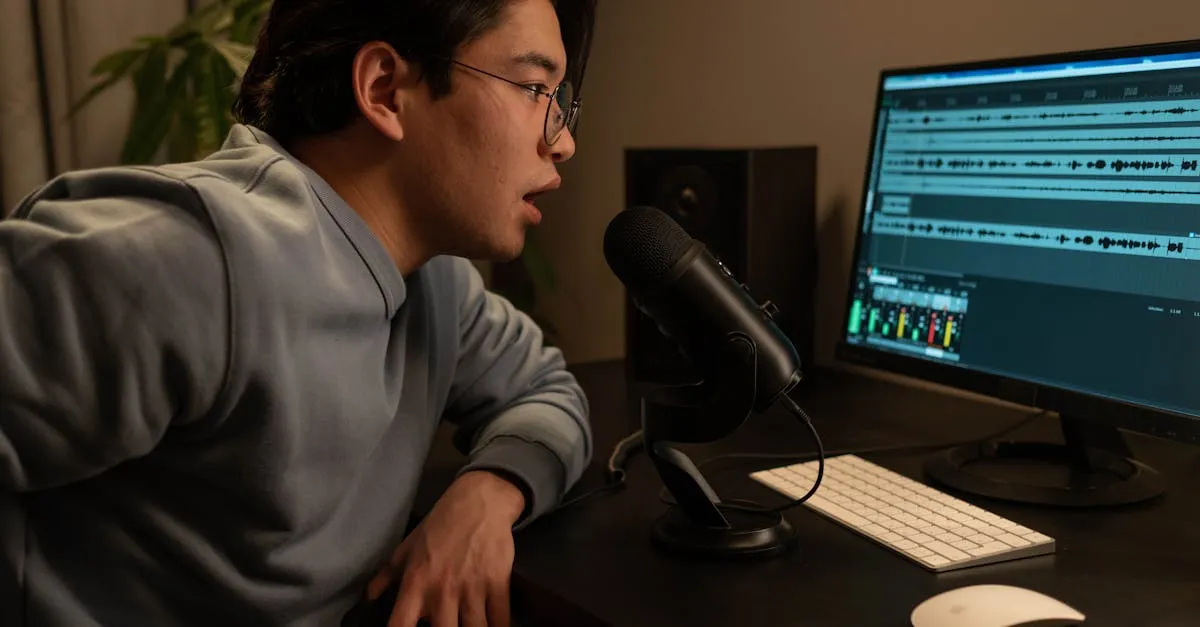
Blue Yeti Review (2026): Still Good for Course Creators?
The Blue Yeti is the most popular USB microphone in the world. Walk into any streamer’s setup, any podcast studio, any YouTuber’s desk — chances are you’ll see one. It’s been the default recommendation for over a decade.
But popularity doesn’t mean it’s the right choice for everyone. Especially not for course creators recording in home offices.
I’ve used the Blue Yeti extensively, and there’s one thing you need to understand before you buy one: it’s a condenser microphone. That single fact determines whether this mic will be your best friend or your biggest frustration.
Let me explain.
What You Get
The Blue Yeti comes in at around $100–$130 depending on the color and whether it’s on sale. For that price, you get a USB condenser microphone with a tri-capsule array, four selectable polar patterns (cardioid, omnidirectional, bidirectional, and stereo), 16-bit/48kHz audio resolution, a built-in headphone jack for zero-latency monitoring, a gain control dial, and a mute button right on the front.
It’s plug-and-play. No audio interface, no drivers, no XLR cables. You plug it into your computer’s USB port, select it as your input in Zoom, OBS, or your recording software, and you’re rolling. That simplicity is a huge part of why it became so popular.
The included desktop stand is functional but basic. It holds the mic upright on your desk, and that’s about it. Most people end up buying a boom arm separately — which adds to the total cost but improves positioning dramatically.
Sound Quality
In a quiet room, the Blue Yeti sounds genuinely good. The condenser capsule captures detail and presence that makes your voice sound full and professional. It has that polished, broadcast-quality tone that makes online course audio feel legitimate.
Cardioid mode — where it picks up sound from the front and rejects from the back — is what you’ll use 95% of the time for course recording. It works well. Your voice comes through clearly, and off-axis noise from behind the mic is reduced.
The other three patterns (omnidirectional for roundtable discussions, bidirectional for two-person interviews, stereo for immersive recording) are there if you need them, but most course creators will never touch them. They’re nice to have, not reasons to buy.
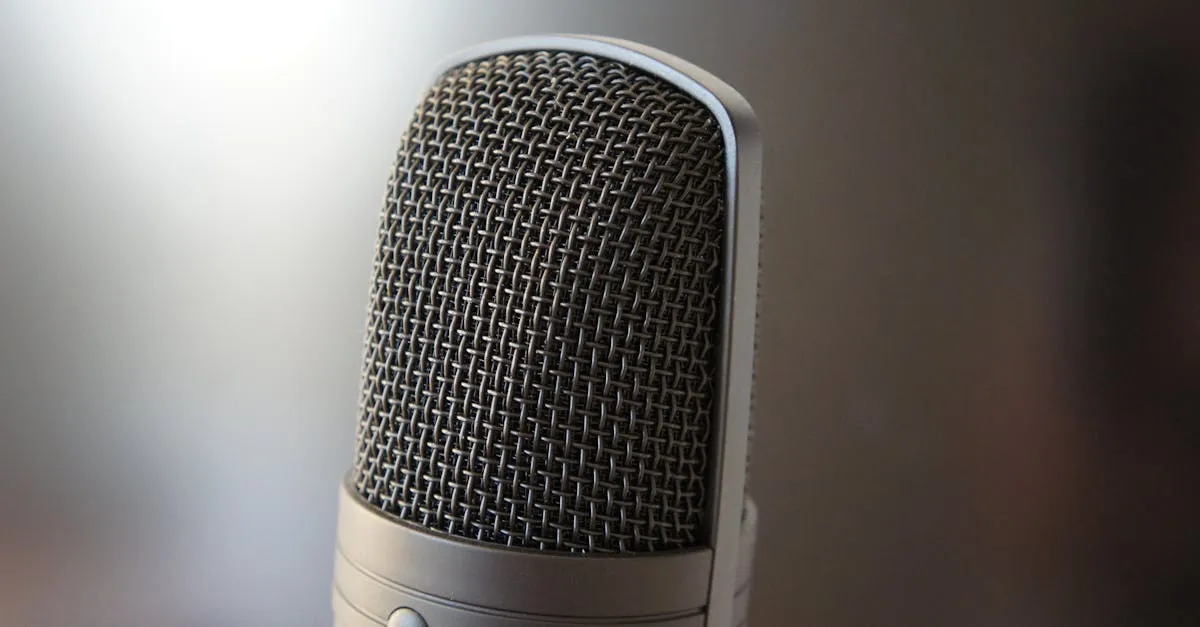
The Condenser Problem (This Is Important)
Here’s where the conversation shifts.
Condenser microphones are sensitive. That’s their job — they’re designed to capture detail. But that sensitivity doesn’t discriminate between your voice and everything else in the room. The Blue Yeti will pick up your keyboard clicks, your mouse, your air conditioning, your dog barking three rooms away, the refrigerator in the kitchen, traffic outside, your chair creaking — all of it.
Dynamic microphones like the Samson Q2U or the Shure MV7+ are naturally less sensitive. They focus on what’s right in front of them and reject most of the ambient noise around you. You can record in a noisy home office with a dynamic mic and still get clean audio. With the Yeti, that same room sounds like a disaster.
This is the core issue. Most course creators record in untreated home offices — rooms with hard walls, bare floors, maybe a window, definitely a computer fan humming nearby. That’s the worst possible environment for a condenser microphone. The Blue Yeti will faithfully capture every bit of it.
If your recording space is a dedicated, treated room with acoustic panels, a quiet HVAC system, and minimal reflective surfaces — the Yeti shines. If you’re recording in a spare bedroom with no acoustic treatment, you’ll spend more time fighting background noise than recording content.
Build and Design
The Blue Yeti is built like a tank. It’s heavy — about 3.5 pounds — with an all-metal body and a solid grille protecting the capsule. It feels premium and durable. This thing will survive being knocked over, moved between setups, and generally treated without much care.
That weight is also a drawback. On the included stand, the mic sits tall and somewhat precarious on your desk. On a boom arm, you need one rated for heavier mics — cheap arms will droop under the Yeti’s weight. Plan accordingly.
The controls are straightforward and tactile. The mute button on the front gives a satisfying click, and it’s easy to find without looking. The gain knob on the back is smooth. The headphone volume knob on the bottom works fine. No complaints about the physical interface.
One notable omission: there’s no built-in shock mount. The mic connects to stands via a standard thread, but there’s no isolation from desk vibrations. If you bump your desk or type forcefully, it’ll show up in your recording. A shock mount is an additional purchase.
Who Should Buy It
The Blue Yeti is a strong choice if:
- You have a quiet, treated recording space. This is the #1 requirement. If your room sounds good, the Yeti will sound great.
- You want simplicity. Plug in, record, done. No interface, no XLR, no complexity.
- You’re on a budget but want professional sound. At $100–$130, the sound quality per dollar is hard to beat — if your room cooperates.
- You might use multiple polar patterns. If you plan to record interviews or roundtable content, the four-pattern flexibility is genuinely useful.
Who Should Look Elsewhere
Skip the Blue Yeti if:
- You record in an untreated room. This is most course creators. A dynamic mic like the Samson Q2U ($70) will give you cleaner audio in a noisy room for less money.
- You want XLR compatibility. The Yeti is USB-only. If you think you’ll upgrade to an audio interface down the road, the Q2U or MV7+ gives you both USB and XLR.
- You need something compact. The Yeti is big, heavy, and visually dominant on your desk. If space is tight, look at smaller options.
- You type while you record. The condenser sensitivity will pick up every keystroke unless you’re using a quiet mechanical keyboard and the mic is positioned well away from your hands.
How It Compares
For the full breakdown of where the Blue Yeti stacks up against other options, check out my Best Microphones for Online Courses guide. But the short version:
- vs. Samson Q2U — The Q2U is a dynamic mic that handles noisy rooms far better. It costs less. It has both USB and XLR. For most course creators, it’s the smarter pick.
- vs. Shure MV7+ — The MV7+ costs more ($250+) but gives you both USB and XLR, a dynamic capsule that rejects room noise, and Shure build quality. If budget allows, it’s the upgrade path.
- vs. cheaper USB condensers — The Yeti sounds better than $50–$80 USB mics and has more features. If you’re going condenser, the Yeti is worth the premium over budget options.
You can see all my recommendations on the Equipment page.
Final Verdict
The Blue Yeti is a good microphone that gets recommended to the wrong people. It sounds excellent in the right environment, but that environment — a quiet, acoustically treated room — is not where most course creators record.
If you’ve already invested in your recording space, or if you’re in a naturally quiet room, the Yeti delivers professional-quality audio at a fair price. The build quality is excellent, the features are solid, and the plug-and-play simplicity is hard to overstate.
But if you’re recording in a typical home office with background noise and no acoustic treatment, do yourself a favor: get a dynamic mic instead. You’ll spend less time editing out noise and more time creating content.
The Blue Yeti isn’t bad. It’s just honest — it’ll capture exactly what your room sounds like. Make sure you’re okay with that before you buy.
For more on choosing the right microphone and setting up your recording space, see my free Record & Edit Audio Courses guide.
Frequently Asked Questions
Is the Blue Yeti better than the Blue Yeti Nano?
The full-size Yeti offers four polar patterns, a larger capsule array, and generally better sound quality than the Nano. The Nano is more compact and portable, but for course recording where audio quality matters, the full Yeti is worth the extra size and cost.
Does the Blue Yeti work with both Mac and PC?
Yes, the Blue Yeti is fully compatible with both Mac and PC out of the box with no drivers required. It’s truly plug-and-play on both platforms, which is part of why it became so popular.
Can I use the Blue Yeti for podcasting?
The Blue Yeti is widely used for podcasting, especially by beginners and hobbyists. The omnidirectional and bidirectional patterns make it possible to record multiple people around a single microphone, though separate mics for each person always sounds better.
Why is the Blue Yeti so heavy compared to other USB mics?
The weight comes from the all-metal construction and the tri-capsule array inside. While the build quality is excellent, the 3.5-pound weight means you need a sturdy boom arm or stand—it will cause cheaper arms to droop.
Does the Blue Yeti come with a shock mount?
No, the Blue Yeti does not include a shock mount, only a basic desktop stand. This is a notable omission since desk vibrations can transfer into your recordings, and adding a proper shock mount is an additional $20-40 expense.
You Might Also Like
Best Cameras for Online Courses (2026): From Webcam to Mirrorless
Your students will tolerate bad video. They won't tolerate bad audio. But good video sets you apart. Here's every camera option for course creators — from $80 webcams to $600 mirrorless.
Best Microphones for Online Courses (2026): USB, XLR, and Wireless
Bad audio kills more courses than bad video. I tested every microphone a course creator might need — from $50 budget picks to professional studio setups.
Best USB Microphones Under $100 for Course Creators (2026)
You don't need to spend $300 on a microphone to sound professional. Here are the best USB mics under $100 that will make your course audio clean and clear.