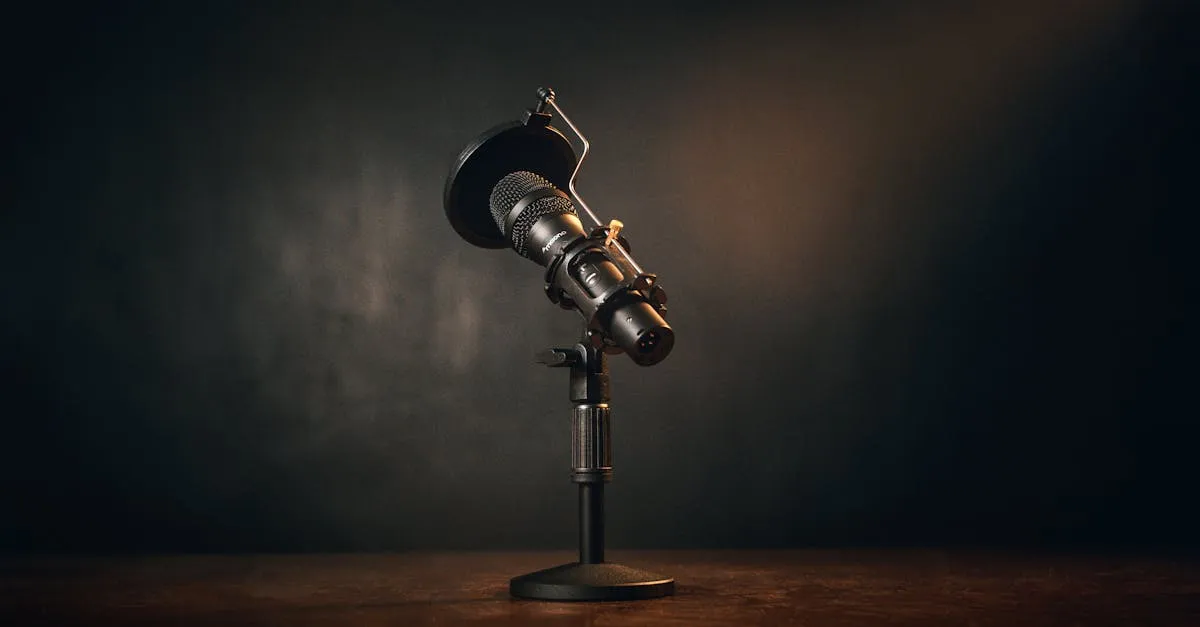
Samson Q2U Review: The Best Starter Mic for Course Creators?
I’ve recommended a lot of microphones to course creators over the years, and the Samson Q2U keeps coming back to the top of my list for one simple reason: it gets out of your way and lets you focus on teaching.
If you’re recording your first online course, the last thing you need is a complicated audio setup that eats hours of your time. You need a mic that sounds professional, plugs in fast, and doesn’t drain your budget before you’ve even launched. That’s exactly the niche the Samson Q2U fills — and fills surprisingly well for around $60.
But “surprisingly well for the price” isn’t the same as “perfect.” I’ve used this mic enough to know where it cuts corners and where it genuinely punches above its weight. Let me walk you through the whole picture.
What You Get in the Box
The Samson Q2U comes as a pretty complete starter package. Inside the box you’ll find:
- The microphone itself (dynamic, cardioid pattern)
- A mic clip for mounting
- A small desktop tripod stand
- A foam windscreen
- A USB cable
- An XLR cable
That’s everything you need to start recording today — no extra trips to the store, no wondering which cable fits where. For someone who just wants to hit record and go, this matters more than people think.
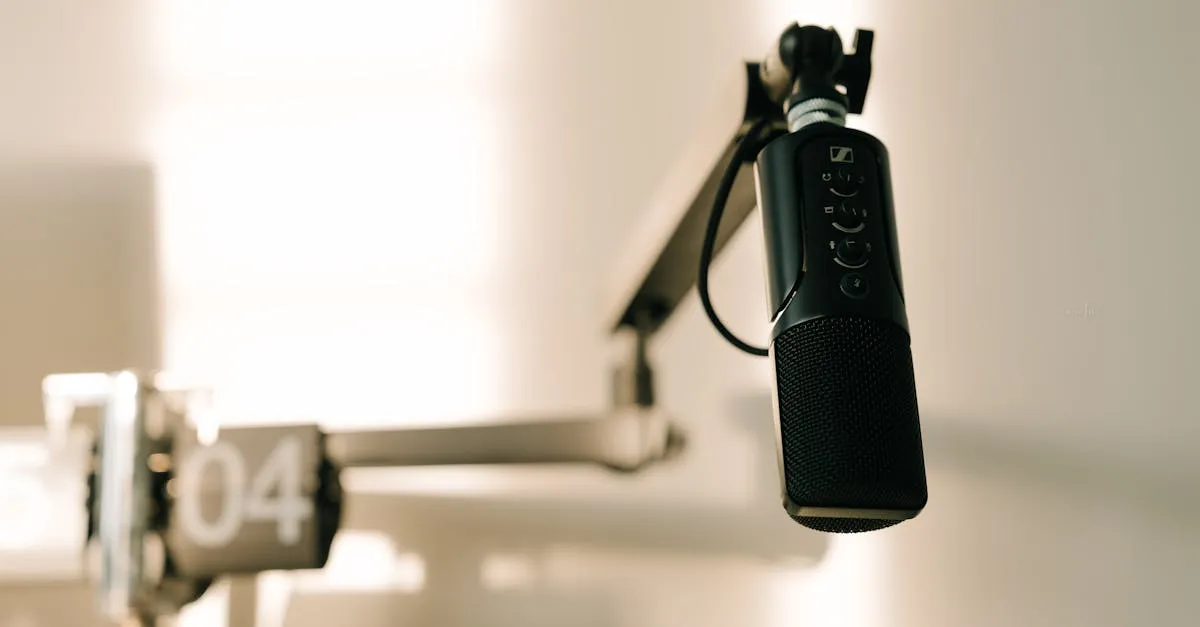
USB + XLR: Two Mics in One
Here’s where the Samson Q2U separates itself from every other budget mic: it has both USB and XLR outputs.
USB mode means true plug-and-play. You connect it to your Mac or PC, select it as your audio input, and you’re recording. No drivers, no interface, no setup wizard. The USB connection handles 16-bit/48kHz audio, which is more than enough for spoken-word course content. It just works.
XLR mode is your upgrade path. When you’re ready to invest in a proper audio interface — something like a Focusrite Scarlett or a Universal Volt — you plug the Samson Q2U in via XLR and it performs like a legitimate studio dynamic mic. Same capsule, same sound, just routed through better preamps and converters.
This dual connectivity is huge for course creators. Most people start with USB for simplicity, then graduate to XLR when they want more control. With the Samson Q2U, you don’t have to buy a new mic when you make that jump. The mic grows with you.
Compare that to something like the Blue Yeti — great USB mic, but when you outgrow it, you’re buying a completely new microphone. The Samson Q2U saves you that second purchase.
Sound Quality: Punching Way Above Its Weight
Let’s be direct: the Samson Q2U sounds better than it has any right to at this price point.
The cardioid pickup pattern does a solid job of focusing on your voice and rejecting sound from the sides and rear. If you’re recording in a typical home office — maybe a room with hard walls, a window, and an AC vent — the Samson Q2U handles the environment reasonably well. It won’t magically fix a terrible room, but it’s far more forgiving than a condenser mic would be in the same space.
The dynamic capsule gives your voice a warm, present character that works naturally for teaching. You don’t get the harsh high-end sibilance that plagues cheaper condensers, and the low end stays controlled without sounding thin. For spoken-word course content — lectures, walkthroughs, voiceover slides — this is the frequency response you want.
I’ve A/B tested the Samson Q2U against mics in the $150–$200 range, and while the more expensive options have a slight edge in clarity and detail, the gap is smaller than you’d expect. Your students won’t hear the difference. Your wallet will.
Zero-Latency Monitoring
One feature that’s easy to overlook: the Samson Q2U has a headphone jack built right into the mic with a dedicated volume knob.
This gives you zero-latency monitoring, meaning you hear yourself in real-time as you record with no echo or delay. If you’ve ever tried to record a course while hearing your voice bounce back half a second later, you know how distracting that is. It throws off your pacing, your energy, your whole delivery. The headphone jack eliminates that problem completely.
In USB mode, this is plug-and-play. Connect your headphones to the mic, adjust the volume dial, and you’re set. No software configuration needed.
The Drawbacks — And They’re Real
I’m not going to sugarcoat the weak spots. The Samson Q2U has legitimate compromises, and you should know about them before you buy.
Handling noise. This mic picks up vibrations from your desk, your hand, and anything touching the stand. Tap the desk while recording and you’ll hear it loud and clear in your audio. A shock mount solves this, but that’s an extra $20–$30 and the Samson Q2U doesn’t include one. Budget for it.
The included tripod is wobbly. It works in a pinch, but it’s light, tips easily, and transmits every desk vibration straight into the mic. Plan on upgrading to a boom arm. Something like the Blue Compass or Rode PSA1 will run you another $50–$100, but it transforms the experience. I consider a boom arm essential, not optional, for course recording — and not just for this mic. Check my Equipment Recommendations page for my current picks.
No mute button. Want to cough, clear your throat, or pause for a second? You’re reaching for your software mute or just backing away from the mic. A hardware mute button would be a nice convenience, especially during long recording sessions, but it’s absent here.
Close-talking requirement. Dynamic mics need you to be close — 2 to 4 inches from the grille. If you’re used to talking to your laptop from across the desk, this feels weird at first. You’ll see the mic in your camera frame if you’re recording video. Some people find it distracting; I got used to it in about a day. The trade-off is worth it for the sound quality, but it’s a trade-off.
Basic look and feel. The Samson Q2U is all function, no flash. Plastic body, simple design, no visual wow factor. If you’re building a brand around premium aesthetics, this mic won’t impress anyone on camera. It sounds great; it doesn’t look great. Your call on whether that matters.
Who This Mic Is For
The Samson Q2U is the right choice if:
- You’re recording your first course and need something that works today without a steep learning curve
- You’re on a tight budget and can’t justify spending $150+ on a microphone yet
- You want an upgrade path — start on USB, move to XLR later without buying a new mic
- You record in an untreated room and need a mic that doesn’t pick up every reflection and ambient noise
It’s not the right choice if you need a mute button, you can’t stand having a mic close to your face, or you want something that looks premium on camera.
For a broader look at how it stacks up against other options, see my Best Microphones for Online Courses guide.
The Setup I Recommend
Here’s the honest total cost of a good Samson Q2U setup for course recording:
| Item | Cost |
|---|---|
| Samson Q2U (includes cables, clip, windscreen, tripod) | ~$60–$70 |
| Boom arm | ~$50 |
| Total | ~$110–$120 |
Skip the included tripod. Bolt the mic to a boom arm, position it 2–3 inches from your mouth at a slight angle, and you’ve got a recording setup that produces audio quality your students will never complain about.
And when you’re ready to level up your entire audio workflow — not just the mic, but recording technique, editing, and noise reduction — my Record & Edit Audio Courses walks you through the full process step by step.
Final Verdict
The Samson Q2U isn’t perfect. The handling noise, the wobbly tripod, the lack of a mute button — these are real trade-offs. But for $60–$70, you’re getting a microphone that delivers professional-sounding course audio today and scales with you when you’re ready to upgrade your interface.
That’s rare. Most budget gear forces you to choose between “works now” and “works later.” The Samson Q2U gives you both.
If you’re starting your first online course and don’t already own a microphone, stop overthinking it. Buy this one, mount it on a boom arm, and start recording. The mic isn’t what’s holding you back.
Have questions about audio setup for your course? Drop them in the comments or check out the full Equipment Recommendations page for my current gear picks.
Frequently Asked Questions
Why both USB and XLR?
USB for plug-and-play simplicity with no drivers. XLR is your upgrade path to a proper audio interface like Focusrite Scarlett without buying new equipment.
Need a shock mount?
Yes. The Q2U picks up desk vibrations. The included tripod is wobbly and transmits vibrations. A boom arm and shock mount at $50 total dramatically improve quality.
How close to the mic?
2-4 inches from the grille for optimal sound with natural fullness from proximity effect. You’ll see the mic in your camera frame when recording video.
Total recommended setup cost?
Microphone $60-70 plus a boom arm at roughly $50. Realistic total for a good recording setup is approximately $110-120.
Suitable for video courses?
Works for both, but has a basic plastic-body design with no visual wow factor. For audio-only content, sound quality punches well above its price point.
You Might Also Like
Best Cameras for Online Courses (2026): From Webcam to Mirrorless
Your students will tolerate bad video. They won't tolerate bad audio. But good video sets you apart. Here's every camera option for course creators — from $80 webcams to $600 mirrorless.
Best Microphones for Online Courses (2026): USB, XLR, and Wireless
Bad audio kills more courses than bad video. I tested every microphone a course creator might need — from $50 budget picks to professional studio setups.
Best USB Microphones Under $100 for Course Creators (2026)
You don't need to spend $300 on a microphone to sound professional. Here are the best USB mics under $100 that will make your course audio clean and clear.