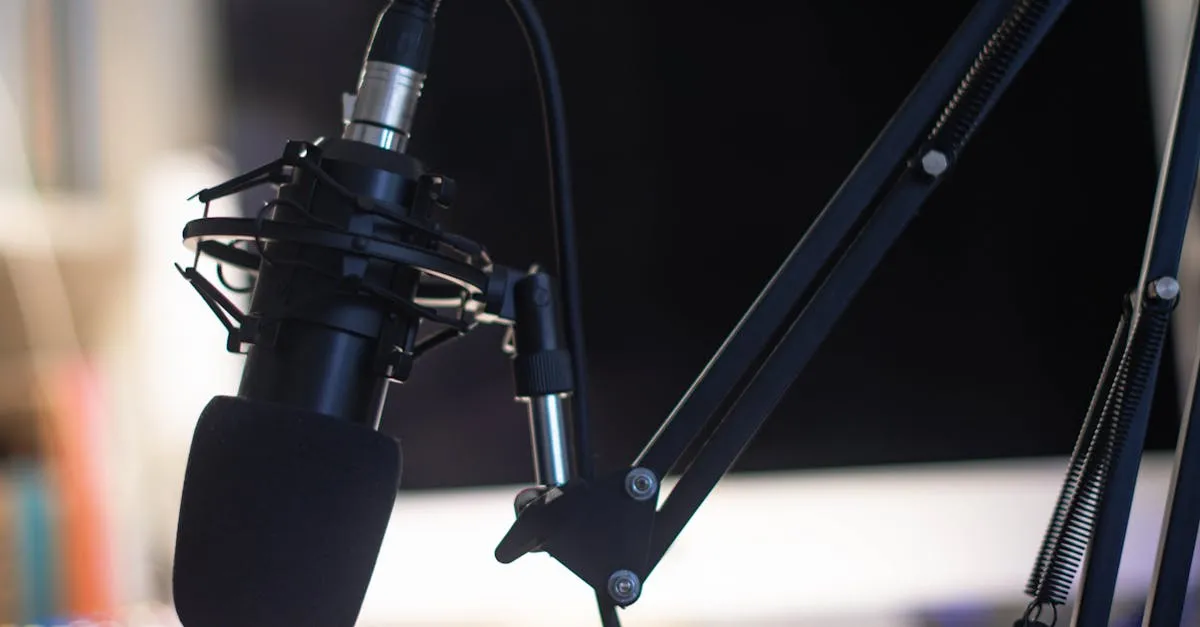
Record & Edit Audio/Podcast Courses
Create audio courses and podcast-style content — from microphone selection and room treatment to recording, editing with free software, AI voice narration, and publishing. The authoritative source for audio knowledge at Course.Coach.
What You’ll Learn
- Choose the right microphone — Three budget tiers, USB vs XLR, and why the Samson Q2USamson Q2U is the best starter mic
- Record clean audio — Room treatment, recording technique, and the free software that handles everything
- Edit like a podcaster — Audacity and GarageBand workflows: noise removal, compression, leveling, and export
- Use AI voice narration — ElevenLabs voice cloning, text-to-speech, and when AI voice makes sense (or doesn’t)
- Publish your audio course — Hosted platform, public podcast, or private feed — three paths to your listeners
Disclosure: I earn a commission if you buy or sign up through my links — at no extra cost to you.
Course Structure
| Section | Lessons | Topic |
|---|---|---|
| Welcome | 0 | Why audio is booming and what you’ll learn |
| Before You Start | 1 | Prerequisites and what you need first |
| Gear & Setup | 2–5 | Microphone selection, room treatment, recording software |
| Recording | 6–7 | Audio technique, batch recording workflow |
| AI Voice | 8–9 | AI narration tools and voice cloning with ElevenLabs |
| Editing | 10–12 | Basic edit, noise removal, music and transitions |
| Publishing | 13 | Three distribution paths for your audio course |
| Close | 14 | Where to go from here |
Why This Course Exists
Audio is the fastest-growing course format. People listen during commutes, workouts, and chores — times when they can’t watch video or read text. Audio courses meet your students where they already are: on the move.
But there’s another reason this course exists: audio quality is the foundation of every course format. Even if you’re building video courses, your audio needs to be clean and clear. The microphone recommendations, room treatment tips, and editing workflows in this course apply whether you’re recording a podcast, producing video lessons, or creating AI-narrated content.
If you’re coming from Produce Your Course Videos, this course goes much deeper on audio than that course could. The video course keeps video-specific audio advice (lapel mics, syncing separate audio with camera footage). Everything else lives here.
Who This Course Is For
- Audio course creators — building podcast-style or audio-only courses
- Video course creators — who want professional-quality audio (the foundation of good video)
- Camera-shy creators — who want an alternative to video that still builds personal connection
- Podcasters — launching a podcast to market their course
What you don’t need: A studio. Expensive equipment. Prior audio experience. A $300 microphone.
What you need: A computer, a $60 microphone, a quiet room, and the willingness to hit record.
Time to complete: 40 minutes of reading, then 1–2 days of practice recording and editing.
Start with the Welcome lesson.
Before You Start
Gear & Setup
Why Audio Quality Makes or Breaks Your Course
Your viewers will tolerate mediocre video but they will not tolerate bad audio. Here's why — and what to do about it.
Choose Your Microphone
Three budget tiers, USB vs XLR, dynamic vs condenser, and why the Samson Q2U is the best starter mic for course creators.
Room Treatment for Clean Audio
Echo is the enemy. The duvet trick, closet recording, acoustic panels, and why a $60 mic in a treated room beats a $300 mic in an untreated room.
Free Recording Software Setup
Audacity and GarageBand — the two free audio editors that handle everything you need. How to configure them before your first recording.
Recording
Recording Technique for Audio
Pacing, tone, avoiding the monotone trap, and why bullet points beat scripts for natural-sounding audio lessons.
Batch Recording Your Audio Course
Record 3–5 lessons per session with a pre-flight checklist, the don't-stop rule, and a file organization system that saves hours later.
AI Voice
AI Voice Narration: Your Course Without a Microphone
When AI voice makes sense, when it doesn't, the tools available, and the hybrid approach that gives you the best of both worlds.
Voice Cloning with ElevenLabs
How to record your voice sample, clone it in ElevenLabs, fine-tune pronunciation, and generate audio from your course scripts.
Editing
The Basic Audio Edit
Import, cut dead air, remove mistakes, normalize levels, and export. The 80/20 of audio editing for course creators.
Noise Removal and Audio Cleanup
The noise profile method, compression, de-essing, and removing mouth clicks — professional cleanup without expensive plugins.
Adding Polish: Music, Transitions, and Export
Royalty-free music sources, intro/outro production, fade techniques, chapter markers, and final export settings for delivery.
Related Courses
Produce Your Course Videos
Record and edit professional course videos with whatever gear you have — smartphone, webcam, or mirrorless camera. Covers audio, lighting, slides, editing, captions, and a repeatable workflow you'll use for every course.
Create Videos Without Being on Camera
AI avatars, voice cloning, and slide-based video — three ways to produce professional course videos without ever turning on a camera.
Choose Your Course Format
Video, email, PDF, audio, live cohort, mini-course, or hybrid? Pick the right format for your topic, audience, and tech comfort level — and understand the path each choice opens.
Related Reading
Best Webcams for Course Creators (2026): My Top Picks for Every Budget
A webcam is the simplest way to upgrade your course video quality without learning a real camera. Here are the best webcams for recording courses, Zoom calls, and live sessions.
Do You Need a 4K Camera for Online Courses? (Probably Not)
Course platforms compress your video anyway. Students watch on phones. And 4K files are enormous. Here's why 1080p is still the sweet spot for course creators — and when 4K actually matters.
Canon EOS R50 Review (2026): Beginner-Friendly Mirrorless for Course Creators
The Canon R50 is the most beginner-friendly mirrorless camera you can buy. At around $700 with a lens, it's Canon's answer to the Sony ZV-E10 — with better autofocus but fewer lenses.