Batch Recording Your Audio Course
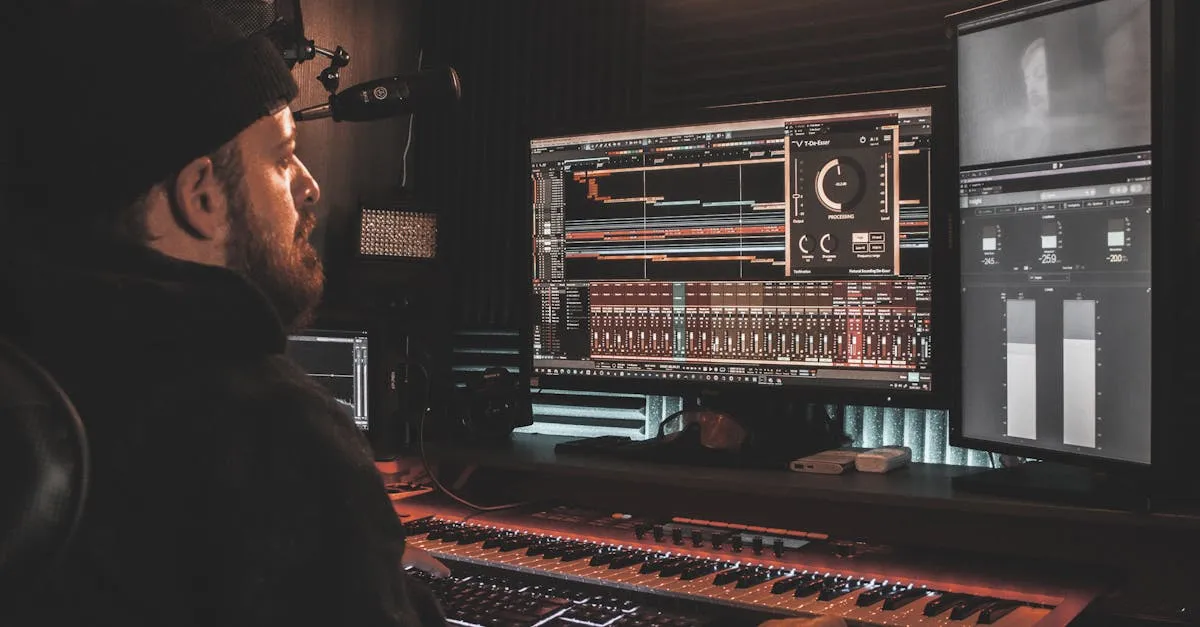
Recording one lesson at a time is inefficient. Every time you sit down, you spend 10–15 minutes getting positioned, testing levels, getting your head in the right space, and starting. Multiply that across 12–14 lessons and you’ve wasted hours on setup.
Batch recording solves this.
Why Batch Recording Works
When you record multiple lessons in one session, you:
- Set up once — mic position, levels, room treatment, software settings
- Stay in flow — your voice and energy hit a rhythm that carries across lessons
- Maintain consistency — the same room, same mic position, same energy level across all lessons in the batch
- Finish faster — a 3-hour batch session can produce 4–6 lessons
The trade-off: your energy drops over time. No one sounds as good in lesson 6 as they did in lesson 1. That’s why you cap batch sessions at 3–5 lessons.
The Pre-Flight Checklist
Before every batch session, run through this checklist. It takes 3 minutes and prevents ruined recordings.
Environment:
- Door closed
- Phone on silent
- Fans, AC, appliances off
- Window closed
- Curtains closed
Equipment:
- Microphone plugged in and positioned (3–6 inches from mouth)
- Headphones connected
- Recording software open with correct settings
- Storage space available on your drive
Content:
- Bullet points for all lessons in this batch visible
- Water nearby
- You’ve read through each lesson’s bullets once before starting
Test:
- Record a 10-second test
- Listen back with headphones
- Confirm: clear, no echo, no hum, no clipping
The Don’t-Stop Rule
Same as video recording: when you make a mistake, don’t stop. Instead:
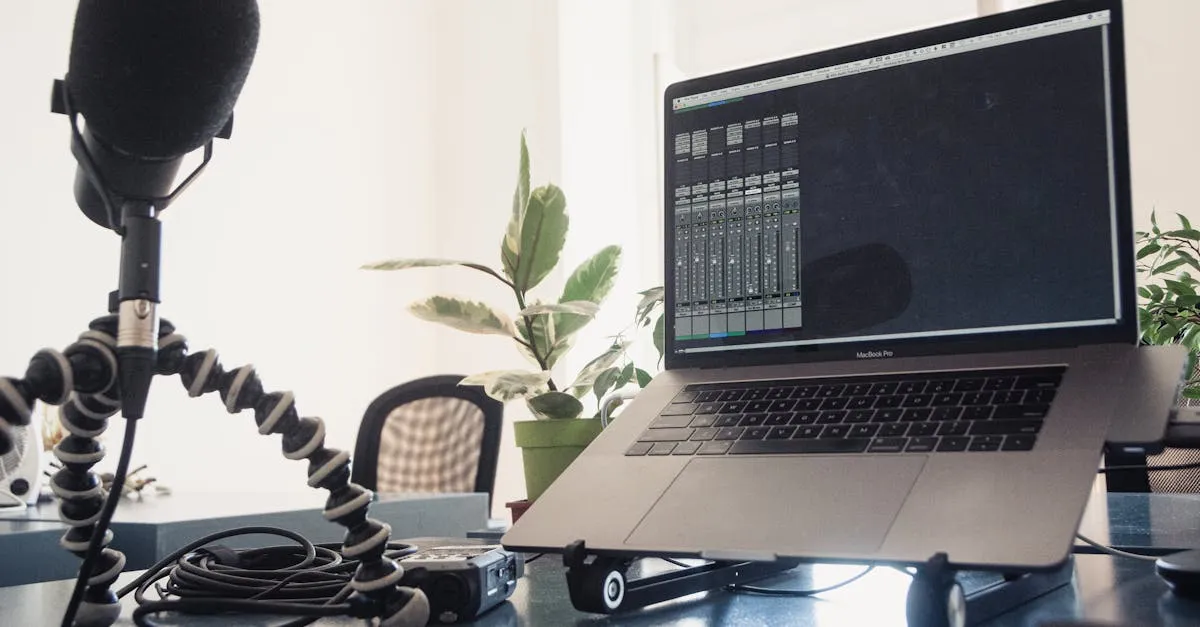
- Pause for 2 seconds (creates a visible gap in the waveform)
- Clap your hands or snap your fingers (creates a sharp spike in the audio, easy to find in editing)
- Back up to the start of the sentence
- Say it again correctly
- Keep recording
In editing, you’ll find those claps and cut out the mistakes. This keeps you in flow and saves massive time compared to stopping and restarting.
File Organization
Before you record a single lesson, set up your folder structure. This takes 5 minutes and saves hours of searching later.
Audio Course Name/
├── Raw/
│   ├── 00-welcome.wav
│   ├── 01-audio-quality.wav
│   ├── 02-microphone.wav
│   └── ...
├── Edit/
│   ├── 00-welcome.aup3
│   ├── 01-audio-quality.aup3
│   └── ...
├── Export/
│   ├── 00-welcome.mp3
│   ├── 01-audio-quality.mp3
│   └── ...
└── Assets/
    ├── intro-music.mp3
    └── outro-music.mp3
Naming convention: {lesson-number}-{lesson-title}.{format}
- Raw files are your original recordings — never modify these
- Edit files are your Audacity/GarageBand projects
- Export files are your final MP3s, ready for upload
- Assets are shared resources (music, transitions)
Batch Session Schedule
For a 12-lesson audio course:
Session 1 (2 hours): Lessons 00–04 (5 lessons × 15–20 min each, plus breaks) Session 2 (2 hours): Lessons 05–09 (5 lessons) Session 3 (1.5 hours): Lessons 10–12 (3 lessons + re-record any problem sections)
Between sessions, take a break of at least a few hours — ideally overnight. Your voice needs rest.
Energy Management
Your energy naturally drops during a batch session. Here’s how to manage it:
- Record your most important lessons first — the intro, the key teaching lessons
- Take a 5-minute break between each lesson — stand up, stretch, get water
- Re-read your bullets during the break — refreshes your mind for the next lesson
- Stop when you feel yourself flagging — a tired recording sounds worse than no recording. Come back tomorrow.
- Record the “what next” lesson last — it’s usually short and doesn’t require peak energy
Your Action Step
Block a 2-hour recording session. Prepare bullet points for 3–5 lessons. Run through the pre-flight checklist. Record them all, using the don’t-stop rule for mistakes. Don’t edit yet — that comes later.
Next up: the AI voice alternative — what if you don’t want to record at all?
Keep going — you're making progress through Record & Edit Audio/Podcast Courses.
Need help? Email me ↗