Recording Technique for Audio
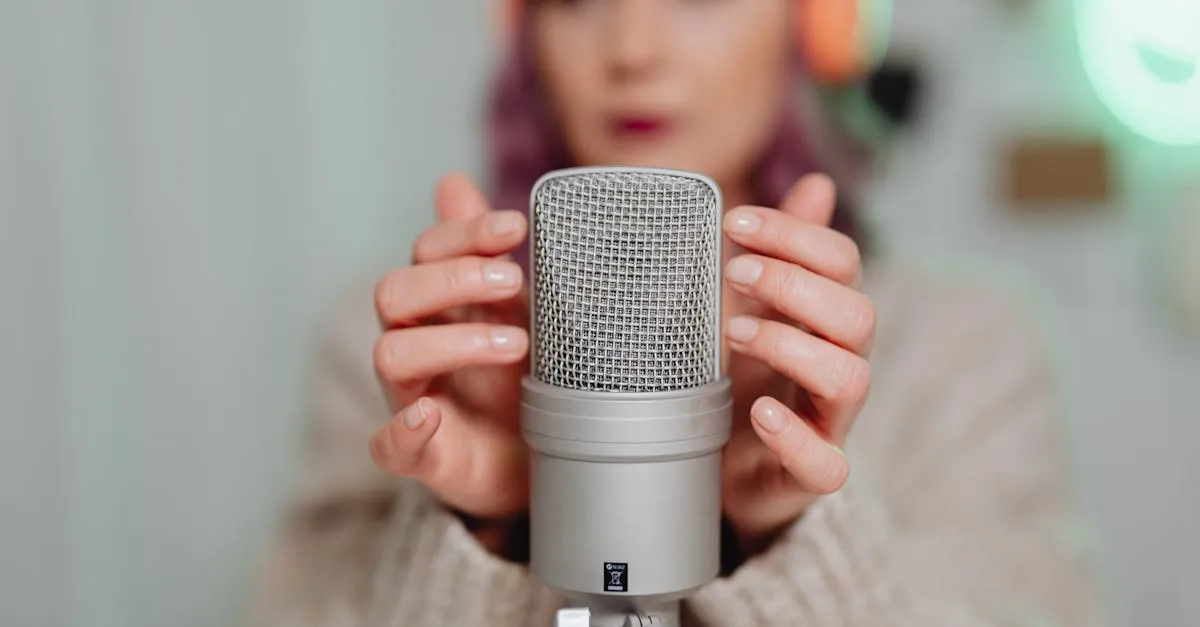
Having good equipment and a treated room means nothing if your delivery puts listeners to sleep. Audio has no visuals to fall back on — your voice carries the entire lesson. Here’s how to make it engaging.
The Monotone Trap
When people record audio, they tend to flatten out. The energy drops. The pitch becomes consistent. The pace becomes metronomic. Within minutes, you sound like you’re reading a phone book.
This doesn’t happen because you’re boring. It happens because you’re concentrating on your content instead of your delivery. Your brain is working hard to remember what comes next, and vocal variety takes a back seat.
The fix: Before you start recording, stand up and talk out loud for 30 seconds about anything — what you had for breakfast, what you’re about to teach, anything. Get your vocal cords warmed up and your energy level up. Then sit down and start recording.
Pacing: Slower Than Conversation, Faster Than a Lecture
Normal conversation moves fast. Sentences overlap. People interrupt each other. Words blur together.
Normal lectures move slowly. The speaker pauses. Repeats. Waits.
Audio course pacing lives between these two. You want to be:
- Slow enough that every word is clear, especially for listeners who may not be native speakers
- Fast enough that you maintain energy and don’t sound like you’re talking down to them
- Variable — speeding up for exciting parts, slowing down for important concepts
A good target: 140–160 words per minute. This is slightly slower than typical conversation (160–180) but much faster than a lecture (100–120).
Vary Your Tone
The human ear tunes out sameness. If your pitch, volume, and pace stay the same for more than a minute, listeners start to disengage — even if they’re interested in the content.
Techniques for vocal variety:
- Emphasize key words by saying them slightly louder or with more intensity
- Drop your pitch when making an important point (lower pitch = authority)
- Raise your pitch when expressing enthusiasm or surprise
- Pause before important concepts — a 2-second silence before a key insight makes it land harder
- Use questions — “Why does this matter?” forces a change in your inflection
Bullet Points, Not Scripts
This is the same advice from the video production course, and it matters even more for audio. When you read a script word-for-word, you sound like you’re reading. Written language and spoken language have different rhythms, different cadences, different structures.
Written: “In this lesson, we will examine the three primary reasons that audio courses have experienced significant growth in recent years.”
Spoken: “So why are audio courses growing so fast? Three reasons.”
Use bullet points — 5–8 per lesson. Each bullet is a key idea you want to cover, in order. You know what comes next, but you say it naturally because you’re saying it, not reading it.
Put your bullet points where you can see them without looking down — a second monitor, a tablet on a stand, or printed paper at eye level next to your microphone.
The “One Idea Per Pause” Rule
Between each major idea, pause for 2–3 seconds. This creates a natural break in the audio that serves three purposes:
- Listeners need processing time — they’re absorbing what you just said
- You create edit points — the silence makes it easy to cut sections later
- You maintain energy — brief pauses let you reset and approach the next idea fresh
Don’t fill every second with words. Silence is a tool, not a problem.
Hydration and Physical Prep
- Drink water before and during recording — a dry mouth creates mouth clicks and sticky sounds that are annoying to edit
- Avoid dairy before recording — milk, cheese, and yogurt create phlegm that affects your vocal clarity
- Stand while recording if possible — standing opens your diaphragm and naturally increases your vocal energy
- Use headphones — hearing yourself in real-time helps you catch volume and clarity issues as they happen

Lesson Length for Audio
Audio lessons should be shorter than video lessons. Why? Because audio is consumed passively (while doing other things), and attention wanders faster when there are no visuals.
- Ideal lesson length: 5–10 minutes
- Maximum lesson length: 15 minutes
- Anything longer: Split into multiple lessons
A 30-minute audio lesson that would work as a video needs to be split into three 10-minute audio lessons. The content is the same. The delivery is chunked for the medium.
Your Action Step
Record a 3-minute practice lesson on a topic you know well. Use only bullet points (no script). Speak as if you’re explaining it to a friend over coffee. Listen back and note: where did your energy drop? Where did you speed up or slow down? Where were the natural pause points?
The more you record, the more natural it becomes.
Next up: batch recording your audio course.
Keep going — you're making progress through Record & Edit Audio/Podcast Courses.
Need help? Email me ↗