Publishing and Distributing Your Audio Course
Your audio is recorded, edited, and exported. Now: how do you get it to your students?
There are three paths, and the right one depends on your business model.

Path 1: Hosted on Your Course Platform
Best for: Paid audio courses that are part of your existing course catalog.
This is the simplest path. You upload your MP3 files to your course platform exactly the same way you’d upload video files. Most platforms have a built-in audio player.
Disclosure: I earn a commission if you buy or sign up through my links — at no extra cost to you.
GoHighLevel: Upload MP3s as lesson content in the course builder. Students play them in the built-in audio player. Works identically to video lessons.
Teachable, Kajabi, Thinkific: All support audio file uploads with built-in players.
How it works:
- Create a new lesson in your course
- Upload the MP3 file
- Add a text description (lesson summary, key takeaways, action items)
- Publish
Advantages:
- No additional tools or platforms needed
- Audio is gated behind your course access (paid only)
- Students access everything in one place
- Progress tracking works the same as video lessons
Limitations:
- Students must be at a computer (or use your platform’s mobile app)
- No offline listening on most platforms
- No podcast app integration
Path 2: Public Podcast
Best for: Free courses used as marketing, lead magnets, or audience-building tools.
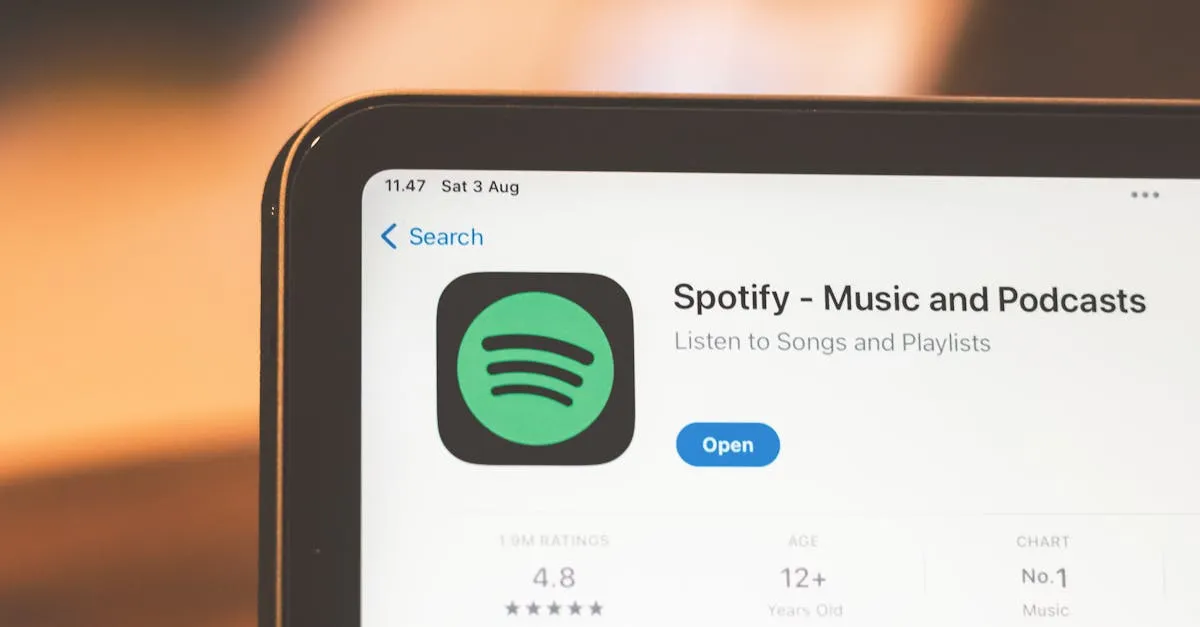
A public podcast distributes your audio through Apple Podcasts, Spotify, and every other podcast app. Students subscribe and listen on their phones, in their cars, during workouts.
How it works:
- Sign up for a podcast hosting platform (Buzzsprout $12/mo, Podbean $9/mo, Transistor $19/mo)
- Upload your MP3 files as podcast episodes
- The platform generates an RSS feed
- Submit the RSS feed to Apple Podcasts, Spotify, etc.
- Listeners find your course in their podcast app and subscribe
Advantages:
- Massive reach (podcast apps have billions of users)
- Students can listen offline and on-the-go
- Automatic delivery (new episodes download automatically)
- Discoverable by people who don’t know you yet
- Builds an audience for your paid courses
Limitations:
- Your audio is public — anyone can listen for free. This is a marketing play, not a revenue play.
- No gating or access control
- Takes 1–5 days for Apple Podcasts approval
The marketing angle: Many successful course creators publish their free courses as public podcasts. Listeners find the podcast, get value from the free content, and then buy the paid version (which includes video, worksheets, community, etc.). The podcast becomes the top of your funnel.
Path 3: Private Podcast Feed
Best for: Paid audio courses that students should access in podcast apps (not just a browser).
Private podcast feeds give you the distribution power of podcast apps (offline listening, automatic downloads) with the access control of a paid course. Students pay for access and receive a unique, private RSS feed URL.
Hello Audio ($29/mo): The leading tool for private podcast feeds. Upload your audio, connect your payment processor, and students get a unique feed URL that works in any podcast app. If they cancel or refund, their feed stops updating.
Supercast ($29/mo): Similar to Hello Audio with additional features for premium podcast content.
How it works:
- Upload your MP3 files to Hello Audio or Supercast
- Connect your course platform or payment processor
- Students purchase access and receive a private RSS feed URL
- They paste the URL into Apple Podcasts, Spotify, or any podcast app
- Your course appears as a podcast in their app — but only they can access it
Advantages:
- Paid audio courses accessible in podcast apps
- Offline listening and automatic downloads
- Access control (paying students only)
- Students consume your content in the environment they already use for audio
Limitations:
- Additional monthly cost ($29/mo)
- More setup than simple platform upload
- Students need to manually add the private feed URL to their podcast app
Choosing Your Path
| Situation | Use This Path |
|---|---|
| Paid course, students already on your platform | Path 1 (Hosted) |
| Free course used as marketing/lead magnet | Path 2 (Public Podcast) |
| Paid audio-only course, students want mobile/offline | Path 3 (Private Feed) |
| Multiple formats (video + audio version) | Path 1 + Path 2 (paid video, free audio podcast) |
The combination play: Some creators offer their course in video format on their platform (paid) AND release the audio version as a public podcast (free). The podcast drives awareness and email signups. The paid version includes video, worksheets, community, and support. Same content, two delivery methods, two business purposes.
Adapting Text for Audio
One last consideration: if your course started as written content (blog posts, PDF guides, text lessons), you need to adapt it for audio before recording or generating.
Written vs. spoken language:
- Written: long sentences, complex clauses, visual formatting (headers, bullet points)
- Spoken: short sentences, signpost phrases (“here’s the key point,” “let me give you an example”), verbal structure instead of visual
The read-aloud test: Read your text out loud. If you stumble, your listeners will too. Rewrite those sections until they flow naturally when spoken. Add transition phrases between sections. Remove references to visual elements (“as you can see in the chart above” doesn’t work in audio).
Lesson structure for audio:
- Hook — What this lesson covers and why it matters (15–30 seconds)
- Teaching — The main content, broken into clear segments (5–8 minutes)
- Recap — Quick summary of key points (30–60 seconds)
- Action step — What to do next (15–30 seconds)
This structure keeps audio lessons tight and prevents the rambling that happens when you’re talking without visual cues.
Your Action Step
Decide which path fits your course. If it’s a free course, start a podcast. If it’s paid and students are already on your platform, upload the MP3s. If it’s a premium audio experience, set up Hello Audio.
Next up: where to go from here.
Keep going — you're making progress through Record & Edit Audio/Podcast Courses.
Need help? Email me ↗