Polish Your Beta Into a Real Course
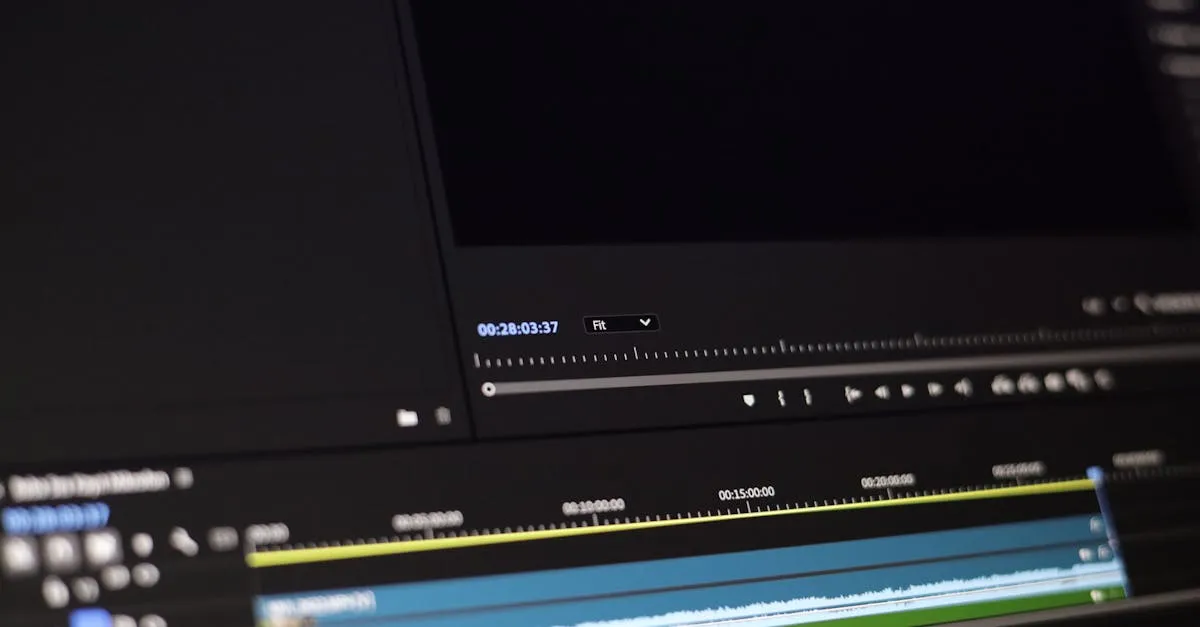
You have a folder full of Zoom recordings, a list of feedback from your beta students, and testimonials from the ones who got results. Now you turn all of that into something people will pay full price for.
The goal isn’t perfection. It’s good enough that a stranger who doesn’t know you can go through the course without getting confused, without getting stuck, and without thinking “this feels unfinished.”
The First Pass: Watch at Speed
Open each recording and watch at 1.5x speed. Take notes on timestamps where you need cuts:
- Dead air (you paused to think, waited for responses that didn’t come)
- False starts (“Let me start over,” “Actually, forget that”)
- Technical glitches (audio dropouts, screen share failures)
- Tangents that don’t serve the lesson
- Extended Q&A that’s too specific to one student’s situation
- Any section where beta students looked confused (you noted these during the live sessions)
You’re not editing yet. You’re creating a cut list.
The Edit
Work through your cut list. You don’t need expensive software. DaVinci Resolve is free and handles most video editing needs. Descript lets you edit video like a text document. Even iMovie works for basic cuts.
For each recording:
- Make the cuts from your list
- Add a simple title card at the start (lesson name, module number)
- Add chapter markers if the lesson has distinct sections
- Normalize the audio (consistent volume throughout)
That’s it for production value. Don’t add background music, animated transitions, or b-roll footage. That stuff is nice-to-have. You can add it later if the course sells.
When to Re-Record
Some lessons need more than editing. Re-record if:
- The audio quality was terrible and can’t be fixed in post
- You went completely off-track and the lesson doesn’t make sense even after editing
- A key concept was poorly explained and your beta students flagged it
- You promised to cover something and forgot
Don’t re-record because you stumbled over a few words or because your hair looked weird. That’s vanity. Your students care about clarity, not production polish.
When you re-record, use the same outline but address the parts that confused people in the live version. You already know where the trouble spots are. Fix them directly.
Add Supporting Materials
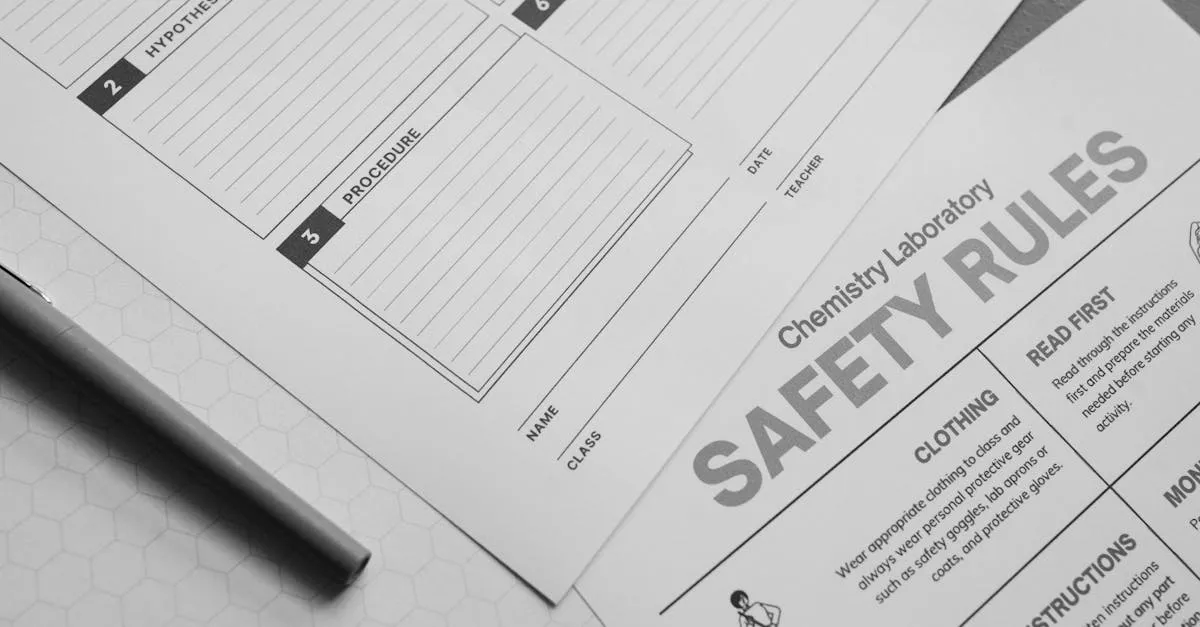
Your beta students probably asked for things that weren’t in the live sessions. Worksheets, checklists, templates, reference guides. Now is the time to create those.
Keep them simple:
- Worksheets — one-page PDFs with blanks to fill in or prompts to answer. Not 10-page workbooks.
- Checklists — if you taught a multi-step process, give them a printable checklist. These get used repeatedly.
- Templates — if you showed an example (email sequence, outline format, pricing calculator), turn it into a fill-in-the-blank template.
- Quick-reference guides — summarize key frameworks or formulas on a single page.
These additions take your course from “watch these videos” to “complete this program.” The perceived value jump is significant, and the actual effort is manageable. A few hours creating simple PDFs can justify a $100–200 price increase.
The 80/20 of Course Polish
80% of the perceived quality comes from 20% of the effort. That 20% is:
- Clean, consistent audio (no echo, no background noise, even volume)
- No long awkward pauses or dead air
- Clear lesson structure (each lesson has an intro, content, and takeaway)
- Simple title cards that look professional
Don’t worry about perfect lighting, animated lower thirds, background music, or color grading. Those are optimizations for version 3.0, not version 2.0.
When to Stop Editing
Set a hard deadline. Two weeks from your final beta session, the polished version should be done. Not because it’ll be perfect, but because perfectionism is the enemy of shipping.
If you find yourself re-watching the same section for the third time trying to decide if a pause is too long, you’re done editing. Move on.
The course is ready when a motivated stranger could go through it start to finish, understand every lesson, complete every exercise, and get the promised result without needing to contact you for clarification.
That’s the bar. Hit it and ship.
Keep going — you're making progress through Validate & Launch Your First Course.
Need help? Email me ↗