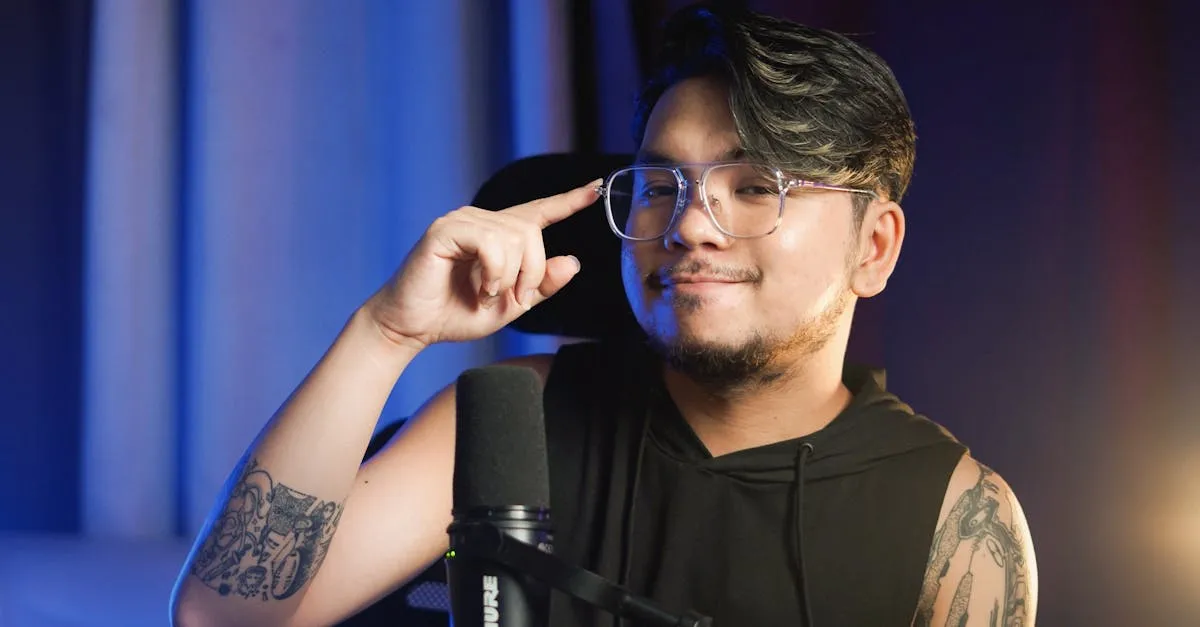
Shure MV7+ Review (2026): The Sweet Spot Mic for Course Creators
If you’ve spent any time looking at microphones for recording course content, you’ve probably come across the Shure name. The Shure MV7+ sits in a really interesting spot in the lineup — it borrows the sound profile of the legendary SM7B but wraps it in a USB-first design built for people who don’t want to mess with audio interfaces just to get started.
I’ve been testing this mic in my own recording workflow, and after weeks of recording course lessons, voiceovers, and live sessions, here’s my honest take.
What You Get
The Shure MV7+ retails for about $279 and ships with just the microphone itself — no stand, no cables, no pouch. That’s worth knowing up front because you’ll need to budget another $30–50 for a boom arm and the right cable.
Here’s what the mic brings to the table:
- Dual connectivity — USB-C for plug-and-play, XLR for when you want to step up to an audio interface
- Dynamic capsule — rejects room noise like a champ, which matters if you’re recording in a less-than-perfect space
- OBS Certified — works with OBS Studio right out of the box
- LED touch panel — customizable colors for monitoring levels, muting, or just looking cool on camera
- Auto Level Mode — automatically adjusts your gain so you don’t clip or drop too low
- Digital pop filter — built-in DSP that tames plosives without needing a physical screen
- Reverb effects — subtle room simulation if you want a different feel
- ShurePlus MOTIV app — full control over EQ, compression, limiter, and other processing
- Headphone jack — zero-latency monitoring right on the mic
- All-metal construction — this thing is built like a tank
- Up to 48kHz/24-bit — more than enough resolution for spoken-word content
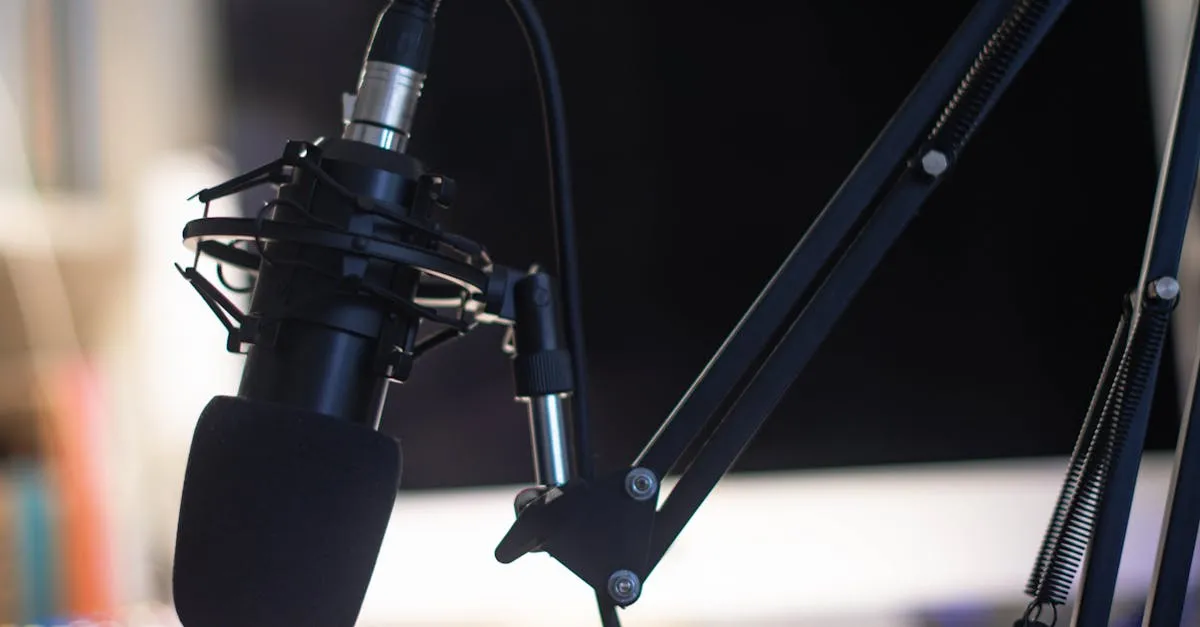
The Big Advantage: Auto Level Mode
Here’s where the Shure MV7+ really earns its keep for course creators. Auto Level Mode is genuinely useful — not just a marketing checkbox.
When you enable it through the MOTIV app, the mic watches your input level in real time and adjusts gain automatically. Move closer, move back, get louder when you’re excited, whisper when you’re making a point — it keeps your levels consistent without you touching a thing.
For course creators, this is a real improvement. When you’re recording a 45-minute lesson, you shouldn’t have to think about your microphone. You should be thinking about your content. Auto Level Mode takes one more variable off your plate. I’ve tested it across multiple recording sessions, and the results are remarkably consistent — no clipping, no sudden drops, no need to re-record because your levels were off.
The MOTIV app itself is worth mentioning too. It gives you a full suite of processing tools — EQ, compression, a limiter — so you can dial in your sound before it ever hits your recording software. If you’re not comfortable with post-production audio tweaking, doing it at the source through MOTIV is honestly easier.
USB-C Simplicity, XLR Future-Proofing
The dual USB-C/XLR connectivity is the core value proposition. Plug the Shure MV7+ into your computer via USB-C and you’re recording in seconds. No interface, no drivers, no hassle. The sound quality over USB-C is genuinely good — not “good for USB” — actually good.
Then, when you’re ready to invest in a proper audio interface like a Focusrite Scarlett or a Universal Audio Volt, you switch to XLR and the mic opens up even further. More headroom, more control, better signal-to-noise ratio. The mic grows with you instead of becoming obsolete when you upgrade your setup.
That’s why I recommend this mic more than almost anything else in my Best Microphones for Online Courses roundup. It meets you where you are today and still delivers when you level up tomorrow.
Sound Quality
Let me be specific about what this mic sounds like. The MV7+ has that warm, present, broadcast tone that makes your voice sound authoritative without being boomy. It’s inspired by the SM7B — Shure’s studio legend that’s been on countless podcasts and broadcasts — and you can hear the family resemblance.
The dynamic capsule does an excellent job of rejecting background noise. If your “studio” is a corner of your home office with a window AC unit humming in the background, this mic will serve you far better than a condenser that picks up every sound in the room. I tested it with my typical home office background — ceiling fan, keyboard clacking, a dog collar jingling down the hall — and the MV7+ kept all of it well below the threshold of distraction in the final recording.
The digital pop filter works surprisingly well. I’m a heavy p-popper, and while it doesn’t eliminate every plosive the way a physical pop filter does, it handles the vast majority. I’d still recommend a physical filter for critical recordings, but for day-to-day course content, you can get away without one.
The LED Touch Panel
Let’s address the elephant on the mic. The customizable LED touch panel lets you change colors, set up level meters, and mute the mic with a tap. It’s… fine. For streamers building a visual brand on camera, it’s a nice touch. For course creators who are recording screen-share tutorials or talking-head videos where the mic is off-screen, it’s not adding much value.
It doesn’t hurt anything — you can turn it off entirely in the MOTIV app — but I wouldn’t call it a selling point for our use case. Shure clearly designed this mic to straddle the streaming and content creation worlds, and the LED panel leans toward the streaming side.
What I Don’t Love
I want to be straightforward about the trade-offs here.
The price jump is real. At $279, the Shure MV7+ is nearly five times the cost of a Samson Q2U (around $60). If you’re just starting out and budget is tight, the Q2U covers the basics well enough. The MV7+ just does everything better — sound, build quality, features, longevity — but you pay for that step up.
No stand or cables included. For a $279 microphone, I’d expect at least a basic desk stand or a USB-C cable in the box. You’ll need to buy those separately, which pushes your real cost closer to $310–330. Factor that into your budget when comparing against other options on my Equipment Recommendations page.
XLR requires a separate interface. The XLR path is there when you need it, but using it means buying an audio interface ($100–200) on top of the mic. It’s not a knock on the MV7+ specifically — that’s just how XLR works — but don’t expect to get that side for free.
The LED panel is gimmicky for course creators. As I mentioned, it’s more for streamers. Not a negative, just not a positive for our workflow.
Who This Mic Is For
The Shure MV7+ is the right choice if:
- You’re past the beginner stage. You’ve been recording with a budget mic and you can hear the difference. You want better.
- You want a mic that grows with you. USB-C today, XLR tomorrow. One purchase, two tiers of quality.
- You value consistency over tweaking. Auto Level Mode means you set it and forget it. Your recordings sound the same every time.
- Your recording space isn’t acoustically treated. The dynamic capsule rejects room noise that would ruin a condenser recording.
- You’re building a content library. If you’re producing dozens or hundreds of lessons, the build quality and sound consistency matter more than saving $200 on a cheaper option.
If you’re just getting started and don’t know if course creation will stick, start with something cheaper. But if you’re committed and producing content regularly, the MV7+ is the sweet spot between budget gear and studio equipment.
How It Fits in Your Workflow
Here’s how I’d set this up for maximum efficiency:
- Mount it on a boom arm — I use a low-profile arm so the mic sits just out of frame. A boom arm also lets you position the mic consistently, which matters for level stability.
- Connect via USB-C to start. Open the MOTIV app, enable Auto Level Mode, dial in a little compression, and save the preset.
- Record directly into your preferred software — OBS, Camtasia, ScreenFlow, whatever you’re using for your Produce Your Course Videos workflow.
- When you’re ready to upgrade, pick up an audio interface, switch to XLR, and enjoy the additional headroom and control.
Final Verdict
The Shure MV7+ is the microphone I recommend most often to course creators who are ready to invest in their audio quality. It’s not the cheapest option, and it’s not the most expensive. It sits right in that sweet spot where the sound quality is professional-grade, the features are genuinely useful (especially Auto Level Mode), and the dual USB-C/XLR connectivity means you won’t outgrow it.
At $279, it’s a significant investment — but audio is the one area where your audience will absolutely notice a downgrade. Bad video is forgivable. Bad audio makes people click away. The MV7+ ensures that never happens.
Rating: 9/10 — Docked one point for no included accessories at this price point. Otherwise, it’s nearly perfect for course creators.
Frequently Asked Questions
Does it require an audio interface?
No, USB-C gives plug-and-play recording. XLR is an optional upgrade path for when you invest in a separate interface.
How does Auto Level Mode perform?
It keeps levels consistent by adjusting gain as you move closer or farther. Eliminates clipping and sudden volume drops without manual intervention.
Is the digital pop filter enough?
Handles most plosives for course content. Heavy p-poppers recording critical content should still add a physical pop filter for complete elimination.
Real total cost with accessories?
No cables or stands included, so budget $30-50 for boom arm and USB-C cable. Actual investment closer to $310-330.
Should course creators care about the LED touch panel?
For streamers building a visual brand it’s nice. For screen-share tutorials where the mic is off-screen, it adds no meaningful value.
You Might Also Like
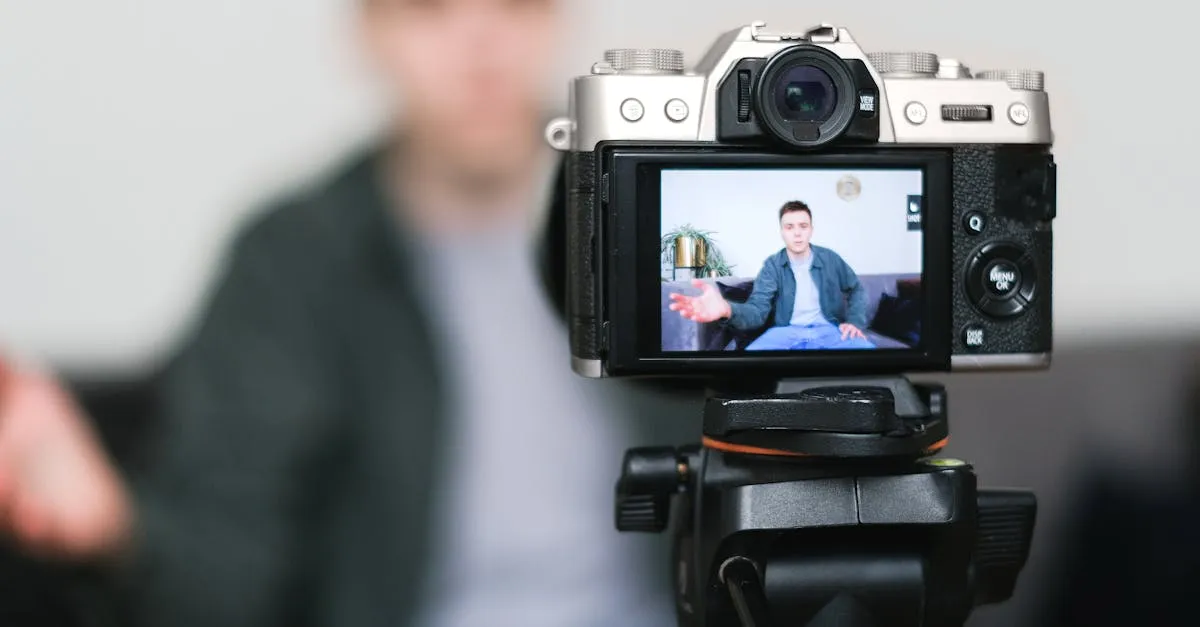
Best Cameras for Online Courses (2026): From Webcam to Mirrorless
Your students will tolerate bad video. They won't tolerate bad audio. But good video sets you apart. Here's every camera option for course creators — from $80 webcams to $600 mirrorless.
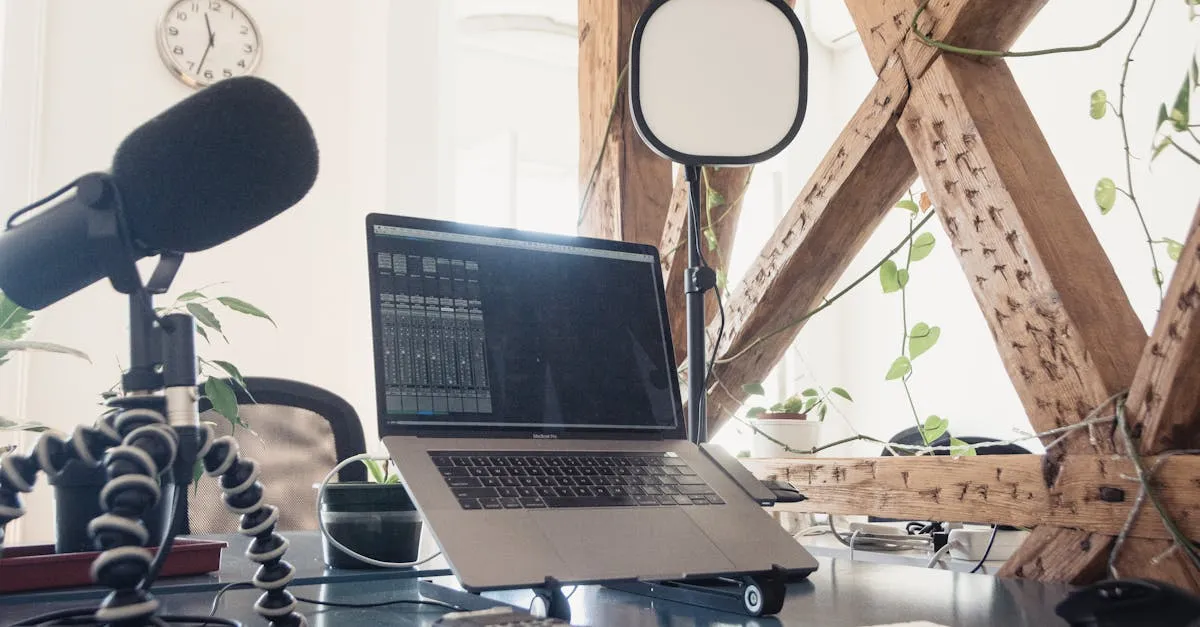
Best Microphones for Online Courses (2026): USB, XLR, and Wireless
Bad audio kills more courses than bad video. I tested every microphone a course creator might need — from $50 budget picks to professional studio setups.
Best USB Microphones Under $100 for Course Creators (2026)
You don't need to spend $300 on a microphone to sound professional. Here are the best USB mics under $100 that will make your course audio clean and clear.