The Camera Is Optional Now
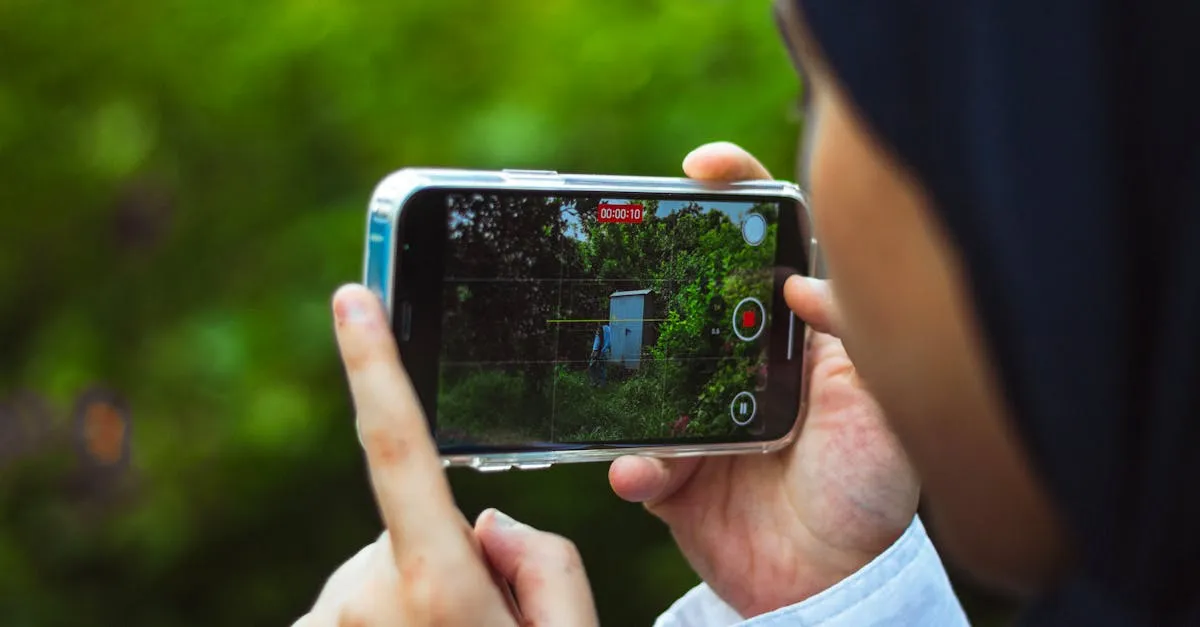
“I don’t want to be on camera.”
That’s the #1 reason course creators give for putting off their course. Not “I don’t know enough.” Not “I’m not qualified.” The camera.
Here’s what changed: the camera is optional now.
You can produce a complete, professional video course without ever turning on a camera. No ring light kit. No teleprompter. No worrying about whether your hair looks right. The technology exists today to create video lessons that look and sound professional using AI avatars, voice cloning, or simple slide presentations.
This isn’t a hack or a workaround. It’s a legitimate production method used by corporate training departments, universities, and some of the most successful course creators online. Their students don’t care how the video was made. They care whether the content helps them.
Three Paths to Camera-Free Video
This course covers three approaches:
1. AI Avatars — You write a script, and a digital presenter delivers it on screen. The presenter can be a stock avatar or a clone of your own face and voice. Tools like HeyGen, Colossyan, and Synthesia make this possible for under $30/month.
2. AI Voice Cloning — You record about 30 minutes of yourself speaking. An AI learns your voice. Then you type scripts and “you” narrate them. Pair that with slides or screen recordings and you have professional video lessons with your actual voice — but you only had to record once.
3. Slide-Based Recording — The simplest approach. You record your real voice over a slide presentation. No AI, no subscriptions, no camera. Some of the best-selling courses on the internet use this method.
What This Course Is Not
This is not a guide to deceiving your students. Transparency matters, and we’ll cover when and how to disclose AI usage in your videos. Students care about results. Most don’t care about production methods — as long as the content is good.
This course also won’t tell you that AI video is always the right choice. Sometimes showing your face matters. We’ll cover those cases honestly.
What You Need
- A course outline (from Plan Your Course)
- A decision that video is your format (from Choose Your Format)
- About $0–$50/month depending on which approach you pick
No camera required. That’s the whole point.
You Finished This Course!
Check out the full course catalog for your next step, or reach out for personalized help.
Email Me for Help