Clone Your Voice with ElevenLabs
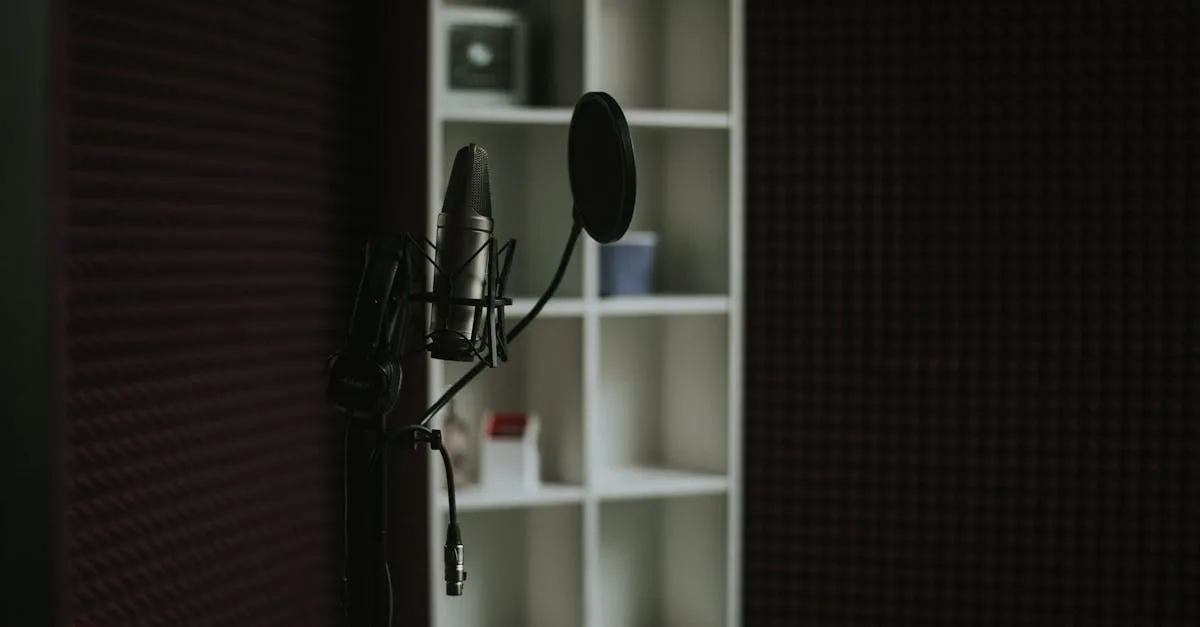
Even if you use AI avatars, your voice is what makes it personal. A stock voice reading your script sounds like a commercial. Your voice reading your script sounds like your course.
ElevenLabs is the leading AI voice platform. It does three things: text-to-speech from a library of voices, voice design from a text description, and voice cloning from your own recordings. That third option is where the value is.
Three Ways to Get a Voice
1. Voice Library — Browse and Pick
ElevenLabs hosts thousands of community-made voices. Browse by gender, age, accent, and style. Preview any voice with sample text. Pick one and start generating audio in seconds.
This is the fastest path. It works well for courses where a professional narrator tone fits. But it’s not your voice.
2. Voice Design — Describe What You Want
Type a description in plain language: “Young American male, casual tone, slightly upbeat, good for educational content.” The AI generates voice options that match your description.
This is useful when you want a specific vibe but don’t have your own audio to clone. It’s also a good way to create a consistent “brand voice” for your course — design a voice that matches your teaching style, then use it everywhere.
3. Voice Cloning — The Real Deal
Upload audio of yourself speaking. ElevenLabs creates a digital replica of your voice. Type any script, and “you” read it back. This is the option that changes everything for course creators.
Instant vs. Professional Voice Cloning
Instant Voice Cloning — Upload 1–5 minutes of audio. Quick setup, decent quality. Good for testing whether you like the results before committing to the full process.
Professional Voice Cloning — Upload 30+ minutes of clean audio. The system creates a high-fidelity replica that captures your cadence, tone, pauses, and speech patterns. This is what you want for a real course.
How to Record Your 30-Minute Sample
This is the only “real recording” you’ll ever have to do. Make it count.
What to record:
- Read your course scripts aloud. Read a book chapter. Talk about your topic off the cuff. The content doesn’t matter — the AI needs variety in your tone, pace, and emphasis.
- Include natural pauses, emphasis, and conversational flow. Don’t read like a robot. Read like you’re teaching.
- Aim for at least 30 minutes of finished audio. More is better.
Technical requirements:
- Quiet room — no background noise, no music, no other voices
- A decent microphone (your phone’s mic works if the room is quiet)
- Record in one sitting if possible, so the audio quality stays consistent
- No echoey rooms — closets and small carpeted rooms work surprisingly well
- Export as MP3 or WAV
What to avoid:
- Background music of any kind
- Other people talking in the background
- Heavy echo or reverb (bathrooms are bad, closets are good)
- Coughing, throat clearing, or long pauses (trim these out before uploading)
After you upload, ElevenLabs processes the audio. Professional Voice Cloning takes a few hours. You’ll get an email when it’s ready.
Fine-Tuning Your Clone
ElevenLabs gives you three sliders to adjust output:
- Stability — Higher means more consistent and predictable. Lower means more expressive and varied. For course content, start around 60–70% stability.
- Similarity — How closely the output matches your original voice. Higher is closer to your natural sound. Keep this high (80%+) unless you want a slightly different character.
- Style Exaggeration — Push the delivery toward more dramatic or energetic. Start at 0% for course content. Increase it if your clone sounds too flat.
The trick is generating a few test samples with different settings and picking the combination that sounds most natural.
What You Can Do After Cloning
Once your voice is cloned, you can:
- Generate any script — Change a price in your course? Type the new number and regenerate that paragraph. Found a typo? Fix the text, regenerate. No re-recording needed.
- Create content in multiple languages — ElevenLabs can clone your voice in 29 languages from one English sample. Your course in Spanish, in your voice, is a few clicks away.
- Produce content without being available — Script today, generate tonight, publish tomorrow. You never have to be “in the mood to record” again.
- Fix mistakes in post — Made an error in a 20-minute lesson? Instead of re-recording the whole thing, type the corrected text and splice it in with Descript.
Pricing
- Free tier: 10,000 characters/month (enough for testing, not for a full course)
- Starter: $5/month (30,000 characters)
- Creator: $22/month (100,000 characters — enough for regular course production)
- Pro: $99/month (500,000 characters — heavy production)
Most course creators find the Creator tier ($22/month) hits the sweet spot. You can generate roughly 60–90 minutes of finished audio per month at that level.
A Quick Warning
Voice cloning is powerful. It also raises ethical questions. Use it to clone your own voice for your own content. Don’t clone someone else’s voice without their explicit consent. The technology exists to make your life easier — keep it ethical.
Keep going — you're making progress through Create Videos Without Being on Camera.
Need help? Email me ↗