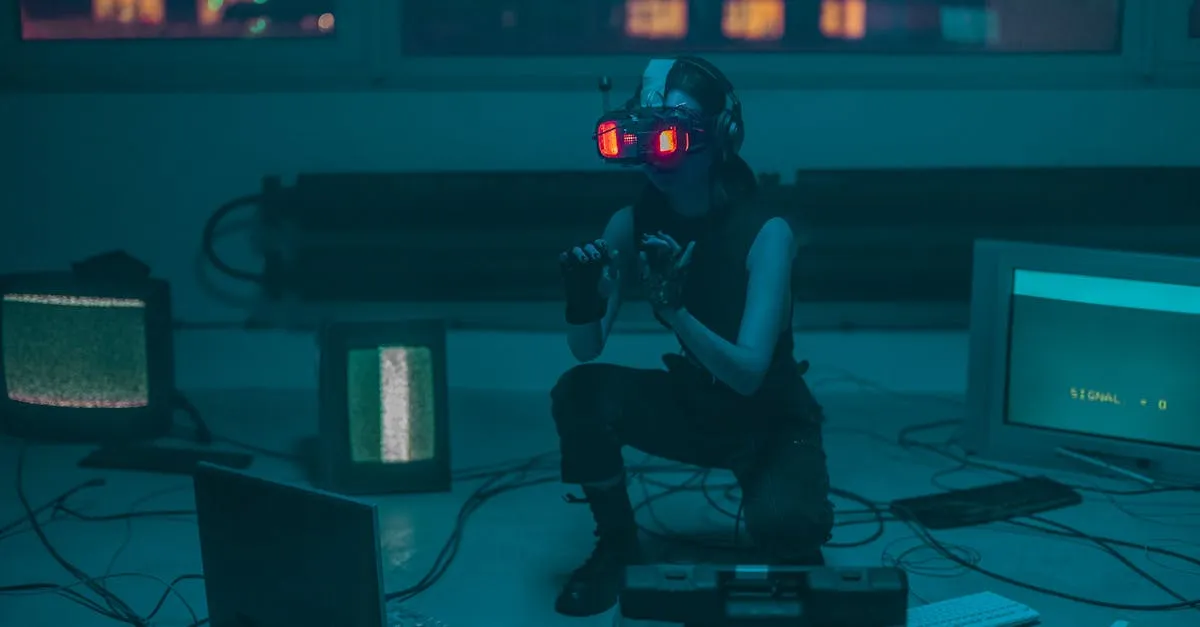
Create Videos Without Being on Camera
AI avatars, voice cloning, and slide-based video — three ways to produce professional course videos without ever turning on a camera.
What You’ll Learn
The #1 reason people put off creating a course: “I don’t want to be on camera.”
What if you didn’t have to be?
AI avatar technology has reached the point where you can produce professional-looking video lessons without ever turning on a camera. You write a script, pick an avatar (or clone your own face and voice), and the AI generates a video of “you” delivering the lesson. The result looks like a real person talking — because it was trained on a real person.
This course covers three approaches to camera-free video:
- AI avatars (HeyGen, Colossyan, Synthesia) — a digital presenter reads your script
- AI voice cloning (ElevenLabs) — your voice reads scripts, paired with slides
- Slide-based recording (Loom, ScreenFlow, OBS) — your real voice over slides, no AI
What You’ll Walk Away With
- Three camera-free video approaches and when to use each
- How to create an AI avatar from a 2-minute video of yourself
- How to clone your voice so you never have to re-record the same mistake
- Script-writing techniques that make AI delivery sound natural
- The cost comparison: AI vs. traditional video vs. hiring a videographer
- When AI avatars work beautifully — and when they don’t
Who This Is For
Course creators who know they want video but can’t or won’t appear on camera. If you’re building a certification course, professional training, or any topic where the content matters more than your face — this is your path.
What You Need First
You should have a course outline (from Plan Your Course) and know that video is your format (from Choose Your Format). No video equipment needed — that’s the whole point.
Lessons
Welcome
Before You Start
Choose Your Path
AI Avatars
Voice
Scriptwriting
Walkthroughs
Advanced
No AI Needed
Honesty
Decision
What’s Next
Before You Start
AI Avatars
HeyGen vs. Colossyan vs. Synthesia
A detailed comparison of the three leading AI avatar platforms for course creators — features, pricing, and when to pick each one.
Create Your AI Avatar
How to record a 2-minute reference clip and turn it into a custom AI avatar that looks and speaks like you.
Walkthroughs
Advanced
Related Courses
Record & Edit Audio/Podcast Courses
Create audio courses and podcast-style content — from microphone selection and room treatment to recording, editing with free software, AI voice narration, and publishing. The authoritative source for audio knowledge at Course.Coach.
Produce Your Course Videos
Record and edit professional course videos with whatever gear you have — smartphone, webcam, or mirrorless camera. Covers audio, lighting, slides, editing, captions, and a repeatable workflow you'll use for every course.
Choose Your Course Format
Video, email, PDF, audio, live cohort, mini-course, or hybrid? Pick the right format for your topic, audience, and tech comfort level — and understand the path each choice opens.
Related Reading
MVP vs MSP: Why 'Good Enough' Will Kill Your Course Sales
The MVP approach works for software. For courses, it's a trap. Here's why you should build a Minimum Sellable Product instead — something that can actually compete from day one.
What Digital Product Should You Create? (Courses, Coaching, Memberships & More)
Should you build a course, start a membership, offer coaching, or sell a template? Here's the honest comparison — with revenue potential, time investment, and which one to start with.
How to Validate Your Course Idea Before You Build It (The Survey Method)
Don't spend months building a course nobody wants. Here's the exact survey framework I use to validate course ideas — including the 4 questions that tell you everything you need to know.