Tools & Setup (With a Shortcut)
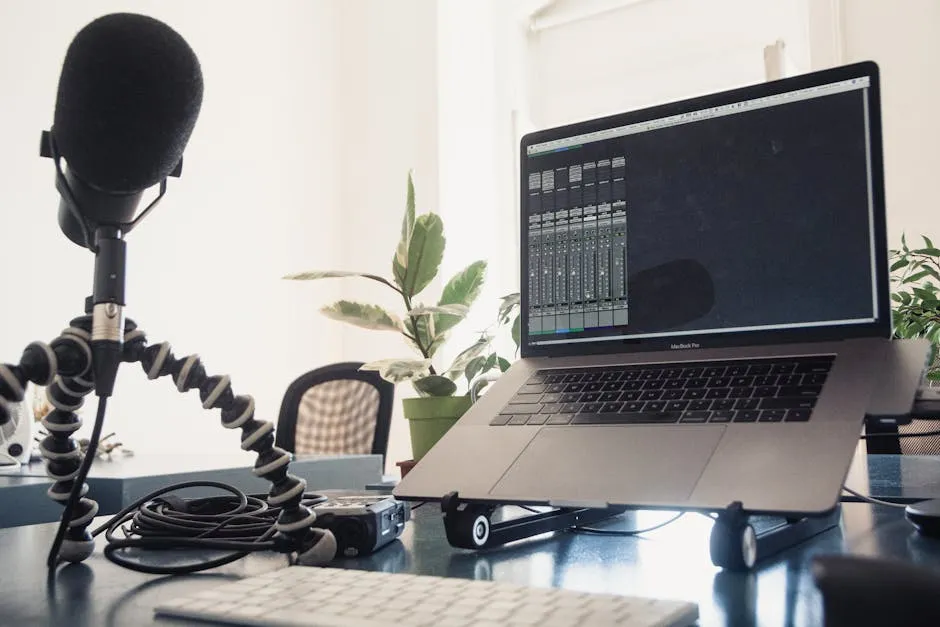
I could write a massive lesson on microphones, pop filters, audio interfaces, and room acoustics. But there’s already a full course that covers all of that in detail.
The Shortcut
Go through Record & Edit Audio/Podcast Courses. That’s where you’ll find the real technical training — microphone selection, room treatment, recording software (Audacity, GarageBand, Descript), editing workflows, noise removal, AI voice tools, and how to publish audio files properly.
If you want to understand why a dynamic microphone sounds different than a condenser in an untreated room, that course explains it. That’s your technical foundation.
This lesson covers the podcast-specific tools only — the stuff the audio course doesn’t touch.
1. Hosting Platforms
Your audio files need a home. A hosting platform stores your files, generates your RSS feed, and distributes to Apple Podcasts, Spotify, and everywhere else.
Spotify for Creators (free)
- Zero cost to start
- Built-in analytics
- Spotify integration is seamless
- Limited features for serious growth
- Best for: testing the waters, zero-budget launches
Buzzsprout ($12/mo)
- Clean interface, beginner-friendly
- Automatically submits your show to all major directories
- Good basic analytics
- Magic Mastering feature cleans up audio automatically
- Best for: first-time podcasters who want something that “just works”
Transistor ($19/mo)
- Excellent analytics and dashboard
- Supports multiple shows under one account
- Private podcast feeds (great for course creators)
- Better API and integrations
- Best for: serious shows, multiple podcasts, business use
Hello Audio (private feeds)
- Creates private RSS feeds only
- Perfect for bonus content inside your courses
- Students subscribe in their podcast app, but the feed isn’t public
- Best for: course bonuses, paid communities, internal content
My recommendation: Start with Spotify for Creators if you need free. Move to Transistor when you’re serious about growth and want proper analytics. Use Hello Audio for any private content tied to your courses.
2. Remote Interview Recording
If you’re doing interviews (which you should consider), you need tools that record high-quality audio locally on each person’s computer.
Riverside.fm
- Records uncompressed audio locally on each participant’s machine
- Video recording option if you want clips for social
- Works in the browser, no software download required
- Best for: professional interviews, video content creation
SquadCast (now part of Descript)
- Similar local recording approach to Riverside
- Bundled with Descript subscription plans
- Good reliability
- Best for: budget-conscious interview shows that already use Descript
Zoom
- Audio quality is compressed — not ideal
- But everyone already has it
- Acceptable when you’re starting out
- Record separate audio tracks if possible (requires paid plan)
- Best for: absolute beginners, quick test recordings
My recommendation: If you’re doing interviews regularly, Riverside is the standard. If you’re testing the waters, Zoom is fine. Don’t over-invest before you’ve validated the format.
3. Show Notes and Transcription
You need show notes for SEO, accessibility, and giving listeners a reason to visit your website.
Descript
- Transcription and editing in one tool
- Edit audio by deleting text from the transcript
- Filler word removal built in
- AI voices feature lets you fix mistakes by typing
- Best for: people who hate traditional audio editing
Otter.ai
- Transcription only
- Fast and accurate
- Best for: quick transcription needs
ChatGPT or Claude
- Take your transcript and prompt: “Turn this into show notes with key takeaways, timestamps, and a summary”
- Also works for social media posts, newsletter content, and blog articles
- Best for: repurposing content efficiently
My recommendation: Descript if you want an all-in-one workflow. Otter + AI if you want cheaper and don’t mind working across tools.
That’s the podcast-specific tool stack. For everything about microphones, recording technique, and editing — head over to the audio production course. That’s where the technical foundation gets built.
Keep going — you're making progress through Podcasting for Course Creators.
Need help? Email me ↗