The Sales Page Funnel
Your sales page is the hardest-working page in your entire business. It needs to do the heavy lifting of persuasion while also collecting payment.
In Write Your Sales Page, you learned the 12-section structure. Here, we wrap that page in a funnel that handles the transaction.
The Sales Page Funnel Flow
Sales Page → Checkout → Confirmation (→ Course Access)It’s shorter than the lead magnet funnel because the sales page IS the main event. Traffic comes from your nurture emails, social media, or paid ads.
Building the Sales Page Step
In GHL (disclosure: I earn a commission if you sign up through my link — at no extra cost to you), create a new funnel step of type Landing Page. This is where you’ll build (or paste) your sales page.
Importing Your Sales Page Copy
If you wrote your sales page following Write Your Sales Page, you already have:
- A hero section with headline and subheadline
- A problem and story section
- Your solution and course overview
- Social proof and testimonials
- Module-by-module preview
- The offer stack with pricing
- Guarantee section
- FAQ section
- Final CTA
In GHL’s page editor, create sections for each of these using headings, text blocks, images, and testimonial elements.
The “Buy Now” Buttons
Your sales page should have at least two CTA buttons:
- After the offer section — the main “Enroll Now” button
- At the bottom — a final CTA for scrollers who read everything
Both buttons should link to your Checkout step.
Button copy that works:
- “Enroll Now — [Price]”
- “Start Learning Today”
- “Get Instant Access”
- “Join the Course”
The Checkout Step
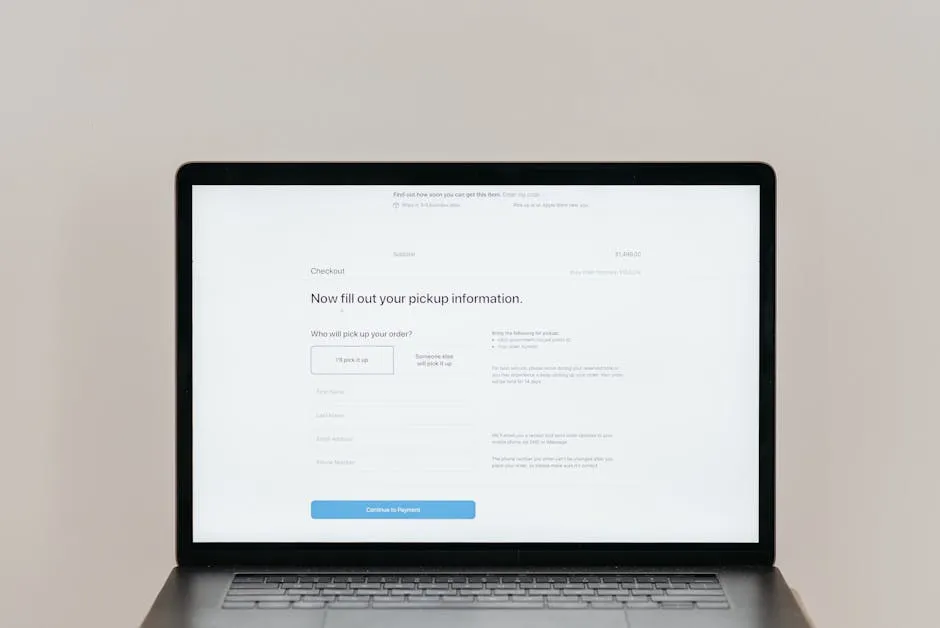
Add a Checkout step to your funnel. This is where GHL handles payment.
Connecting Your Offer
In the checkout step settings, select the Offer you created when you set up your course (see Set Up Your Course in GHL).
The checkout page will automatically display:
- Your course name and price
- Payment options (one-time, payment plan if configured)
- Stripe or PayPal integration
- Order summary
Adding Order Bumps
An order bump is a small checkbox offer on the checkout page: “Also add [product] for just $XX.”
A commonly reported rule of thumb: order bumps convert 20-50% of buyers. Common course creator bumps:
| Course Topic | Order Bump Idea |
|---|---|
| Drone photography | ”Raw photo files from the course lessons — $19” |
| Web development | ”Cheat sheet of all 50 commands — $9” |
| Business coaching | ”Done-for-you email templates — $29” |
| Notary training | ”State-specific practice exam — $15” |
To add an order bump in GHL, create a separate product for the bump, then attach it to your checkout offer as an additional option.
One-Click Upsells (Optional)
After checkout, you can show an upsell page: “Thanks for buying! Want to add [premium product] for $XX?”
This is an advanced tactic. For your first funnel, skip it and focus on getting the core flow working.
The Confirmation Step
After payment, redirect to a Thank You page. This page does four things:
1. Confirm the Purchase
“You’re in! Your enrollment is confirmed.”
2. Provide Immediate Access
“Here’s how to access your course: [Login Link]”
In GHL, course access is granted automatically when someone purchases through a checkout page. Make sure to:
- Include a clear login link or auto-login
- Send a welcome email via automation (covered in the workflow lessons)
3. Set Expectations
“Your first lesson is ready. Here’s what to expect:
- Lesson 1 releases immediately
- New lessons unlock every [day/week]
- You’ll get an email each time a new lesson is available”
4. Ask for One More Thing
The confirmation page is also a great place to:
- Invite them to your community (Facebook group, GHL Community, Discord)
- Ask them to follow you on social media
- Prompt them to introduce themselves
Connecting the Funnel Steps
Make sure the flow is seamless:
- Sales page “Buy” buttons → link to Checkout step
- Checkout successful payment → redirect to Confirmation step
- Checkout form submission → trigger automation (add tag, start welcome workflow)
Walk through the entire flow as a test contact. Click every button. Fill out every form. Make a test purchase (use a $0 or $1 test mode). Fix anything that breaks before sending real traffic.
Tracking Sales Page Performance
Key metrics for your sales page funnel:
| Metric | Good | Great |
|---|---|---|
| Sales page view → checkout | 8-12% | 15%+ |
| Checkout started → completed | 50-60% | 70%+ |
| Overall conversion (visitor → buyer) | 2-5% | 5%+ |
If checkout start-to-complete is below 40%, your checkout page may have issues — confusing pricing, too many form fields, or technical problems.
Next up: the webinar funnel — a completely different animal.
Keep going — you're making progress through Build Funnels & Automations in GoHighLevel.
Need help? Email me ↗