Checkout Pages and Payment
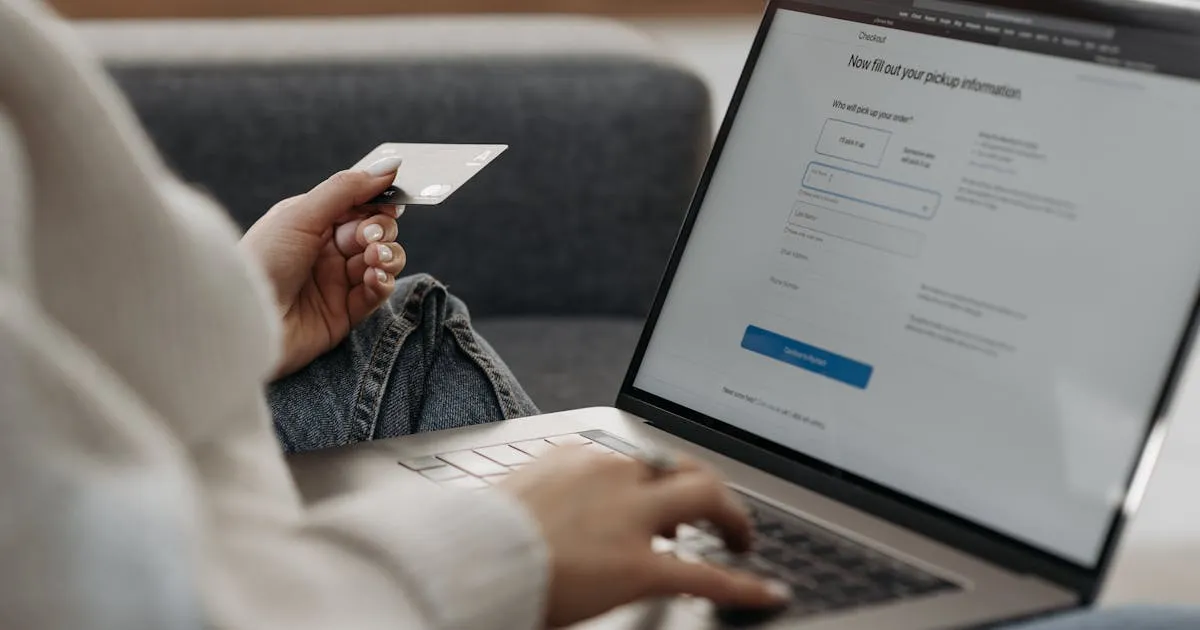
Your offer defines pricing. Your checkout page is where the transaction happens.
Building a Checkout Page
Funnel route: Go to Sites > Funnels, create a new funnel, and choose “Checkout Page” as your starting template. Pre-built layout with order form, payment fields, and confirmation elements.
Website route: Go to Sites > Websites, open your site, add a page, and drag the “Checkout” element onto it. Works when you want checkout on your main website.
Click the checkout element and select the offer you created. Pricing, billing terms, and product details populate automatically.
Payment Integration
Before anyone can pay, connect your processor. Navigate to Settings > Payments.
Click “Add Payment Provider.” Stripe is the standard for course creators — it handles subscriptions, payment plans, and has the best failure recovery tools. Authenticate with your Stripe account and return to GHL.
GHL (disclosure: I earn a commission if you sign up through my link — at no extra cost to you) also supports NMI, PayPal, Square, Authorize.net, and Adyen. Connect multiple if you want to offer PayPal as an alternative at checkout.
Before going live, toggle Stripe to test mode and use test card numbers (4242 4242 4242 4242) to run through a complete purchase without real money.
Order Bumps
An order bump is a secondary offer on the checkout page — a checkbox the buyer adds with one click. Create a separate offer for the bump product. Add an “Order Bump” element below the main checkout form.
Common bumps:
- Template pack ($29-47)
- Swipe files and scripts ($37)
- Bonus module ($49)
- Quick-start implementation guide ($27)
A commonly reported rule of thumb: order bumps convert somewhere in the 20-50% range when priced between $29-49. That is significant revenue you would otherwise leave on the table.
Failed Payment Recovery
Subscriptions and payment plans will have failed charges. GHL includes automated dunning: retries on day 3, 7, and 14, plus update-card emails prompting customers to fix their payment method. Recovery rates are commonly reported in the 15-20% range — your results will vary by audience and price point.
Post-Purchase
After payment, GHL redirects to a thank-you page, sends a confirmation email, applies tags, triggers automations, and grants course access — all configured in your offer and automation settings.
Keep going — you're making progress through Set Up Your Course in GoHighLevel.
Need help? Email me ↗