Welcome: Audio Over Video
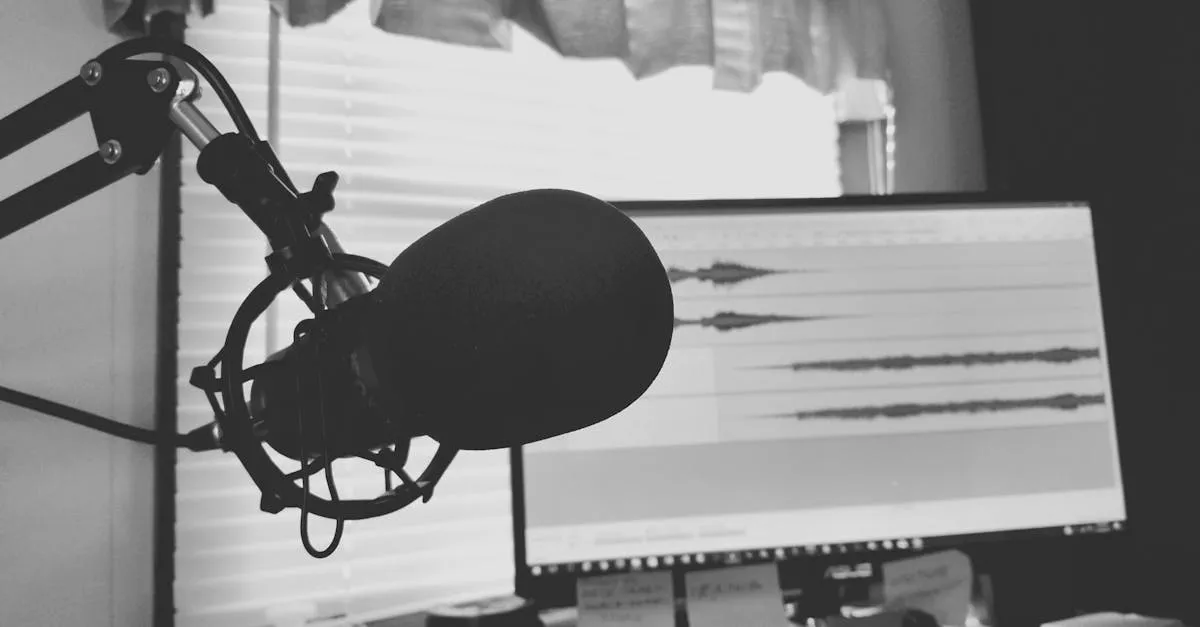
You’re here because you have a course planned — or you’re planning one right now — and the next step is actually producing the videos. That’s where a lot of people freeze.
The equipment feels overwhelming. The editing software looks complicated. You’re not sure if your setup is “good enough.” And somewhere in the back of your mind, a voice is telling you that you need a studio, a teleprompter, and a $2,000 camera before you can start.
None of that is true.
The Audio-Over-Video Principle
There’s a principle in video production that most new course creators don’t learn until they’ve wasted money on the wrong things: audio quality matters more than video quality.
Think about how you consume content. You’ve watched webcam interviews, phone-recorded tutorials, and grainy Zoom calls that felt perfectly professional because the audio was clean and clear. Now think about the opposite — a beautifully shot 4K video where the speaker sounds like they’re recording inside a tin can. You clicked away in seconds.
Your viewers do the same thing. Poor audio triggers an unconscious credibility judgment. If someone sounds muffled, distant, or echoey, the brain assumes the information is also low quality. Clean audio creates the opposite effect — it makes people lean in and listen, even if the video is just a screen recording.
This course is built around that principle. We’ll cover cameras and lighting, absolutely. But the audio sections deserve your full attention.
What This Course Covers
This is a complete recording-to-export workflow, broken into four parts:
Gear & Setup (Lessons 2–5): What you actually need to buy — and what you don’t. Camera options at three budget tiers. Microphone recommendations. Lighting setups from free (window light) to professional.
Recording (Lessons 6–9): How to design slides that support your teaching. Choosing your recording format. Running an efficient recording session. Getting comfortable on camera even if it’s your first time.
Editing & Export (Lessons 10–13): File organization (the thing every course creator wishes they’d done from the start). Choosing editing software. The basic edit workflow. Adding captions and subtitles.
Your Workflow (Lesson 14): A repeatable production process you can use for every course — including time estimates and when it makes sense to hire an editor.
What This Course Is Not
This is not a filmmaking course. We’re not covering cinematography, color grading, or special effects. The goal is to produce clear, watchable, professional course videos — not win an Oscar.
If you want to create videos without being on camera at all, check out Create Videos Without a Camera — that course covers AI avatars, screen recordings, and slide-based video.
One Last Thing Before We Start
The best recording setup in the world won’t help if you never hit record. The creators who succeed are the ones who ship with whatever they have, then improve over time.
Your first few videos will be rough. That’s not a problem — that’s the process. The important thing is to start.
Let’s talk about gear.
You Finished This Course!
Check out the full course catalog for your next step, or reach out for personalized help.
Email Me for Help